Explore categories
Curated · updated weekly

Every WebXR experience, in one place.
A free, curated directory, updated weekly — 107 experiences from independent developers and creators.
Browse experiencesNothing to download or install.
From the web straight into the experience.
Open, explore and share — no paying.
Load this page in your headset’s browser.
Choose a category below.
Tap any experience and step right in.
 NEW
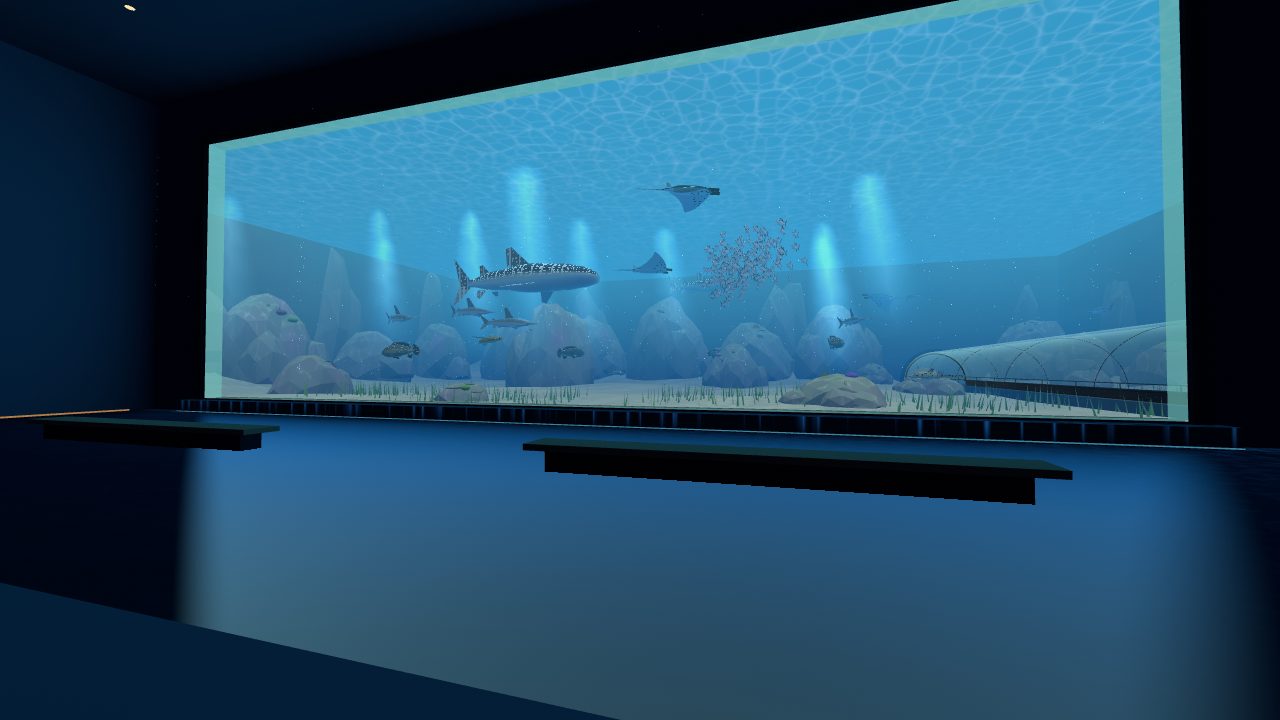
NEWWalk through a giant aquarium at true scale: a 30 m window onto the ocean, a tunnel through the deep and a 20 m reef column.
 NEW
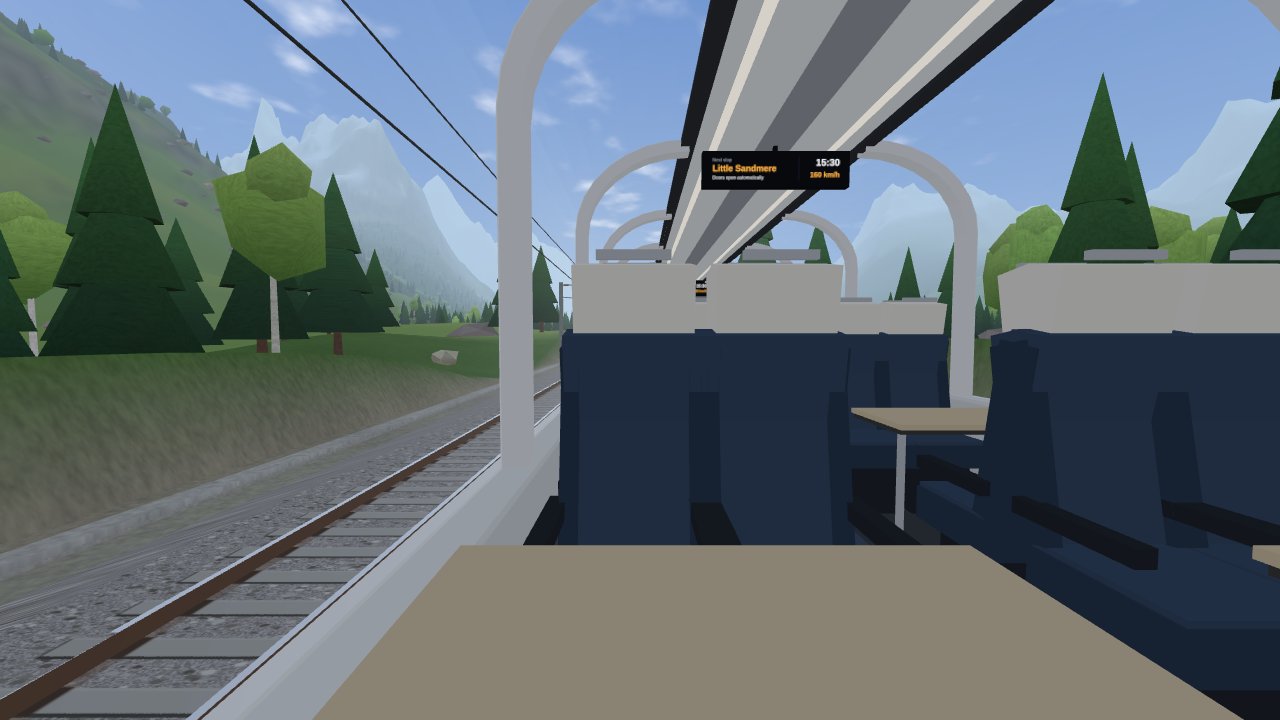
NEWTake a window seat on a panorama train and ride forever through a procedurally generated world: farmland, lakes, alpine valleys, deserts and snowfields — never the same twice.
 NEW
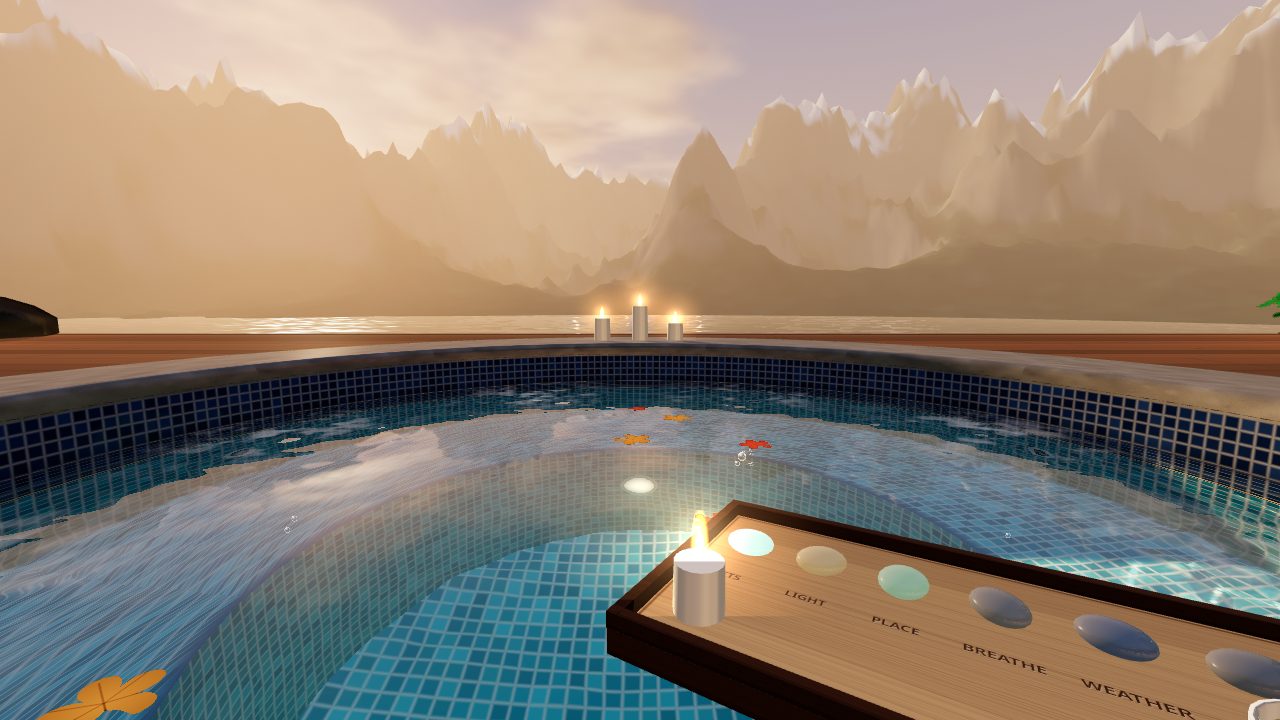
NEWRelax in a hot tub at the edge of the world. Make ripples with your hands and turn on the jets; switch between mountain, aurora, tropical and desert views.
 NEW
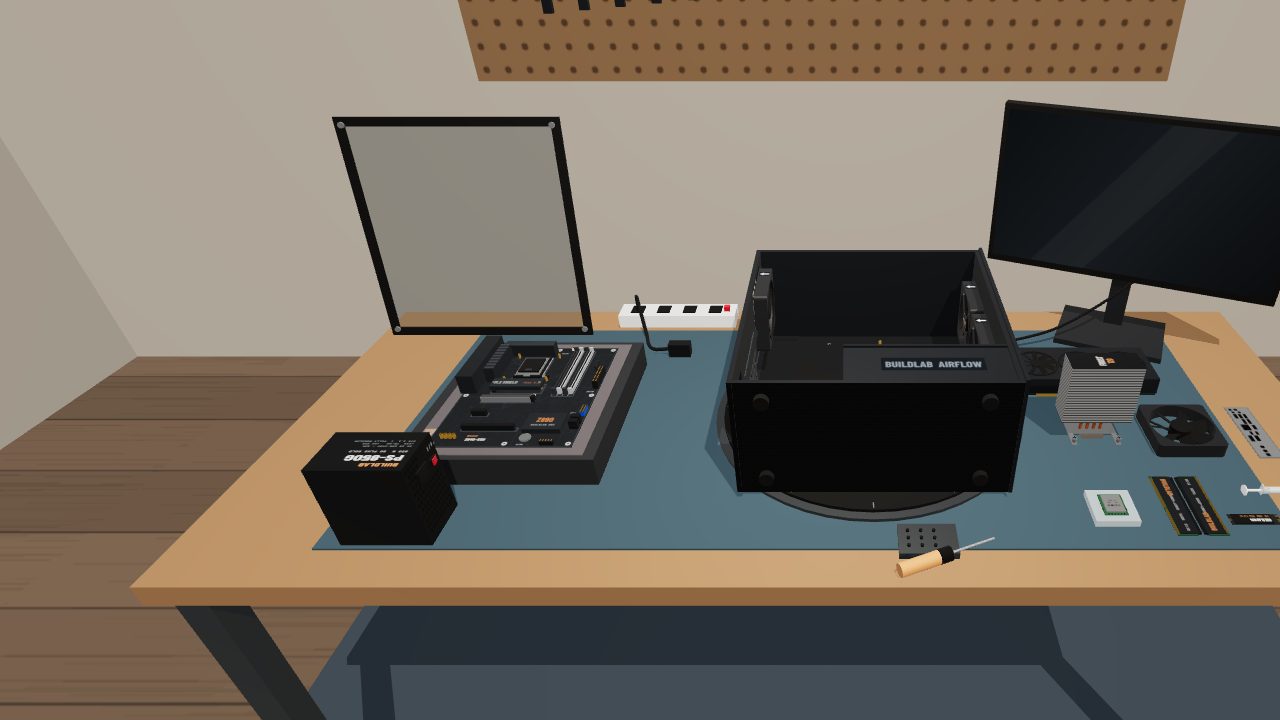
NEWBuild a desktop PC on a virtual workbench. Fit the CPU, memory, cards and cables yourself — 33 guided steps explain every part.
 NEW
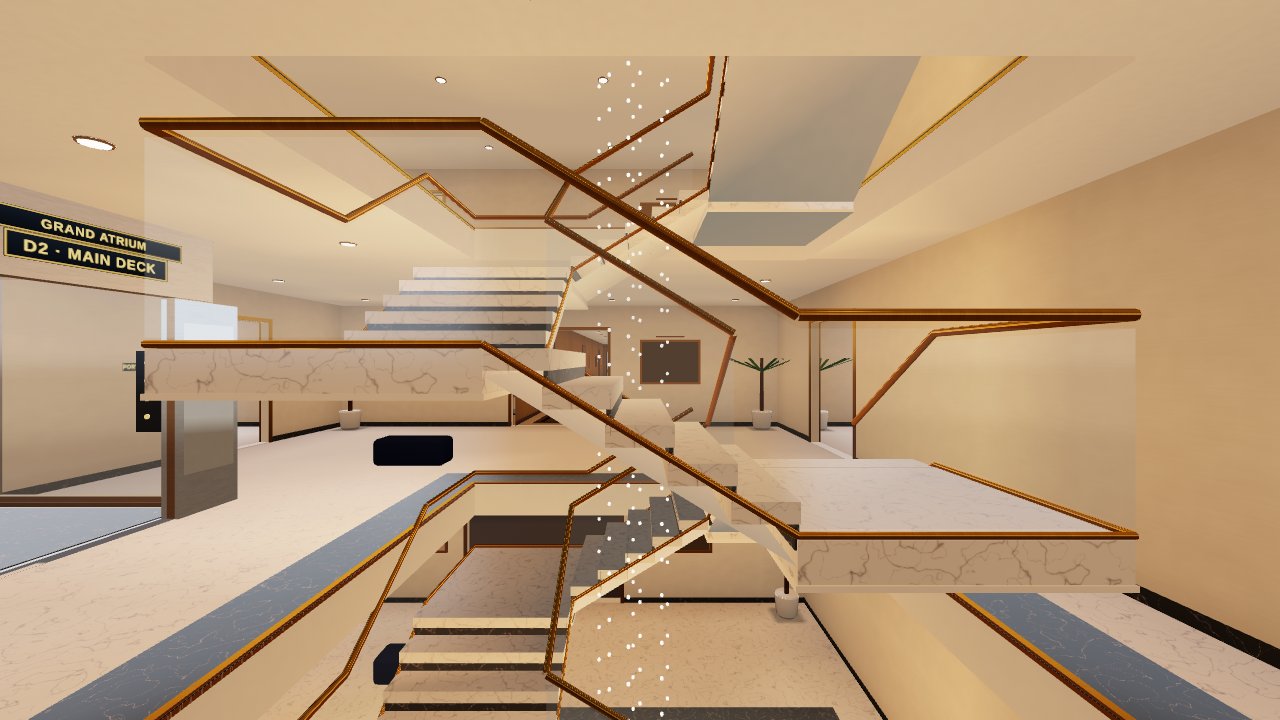
NEWExplore a 200 m yacht across 8 decks with 74 rooms — swim in the pools and play 19 games on board, from bowling and golf to chess and a private cinema.
 NEW
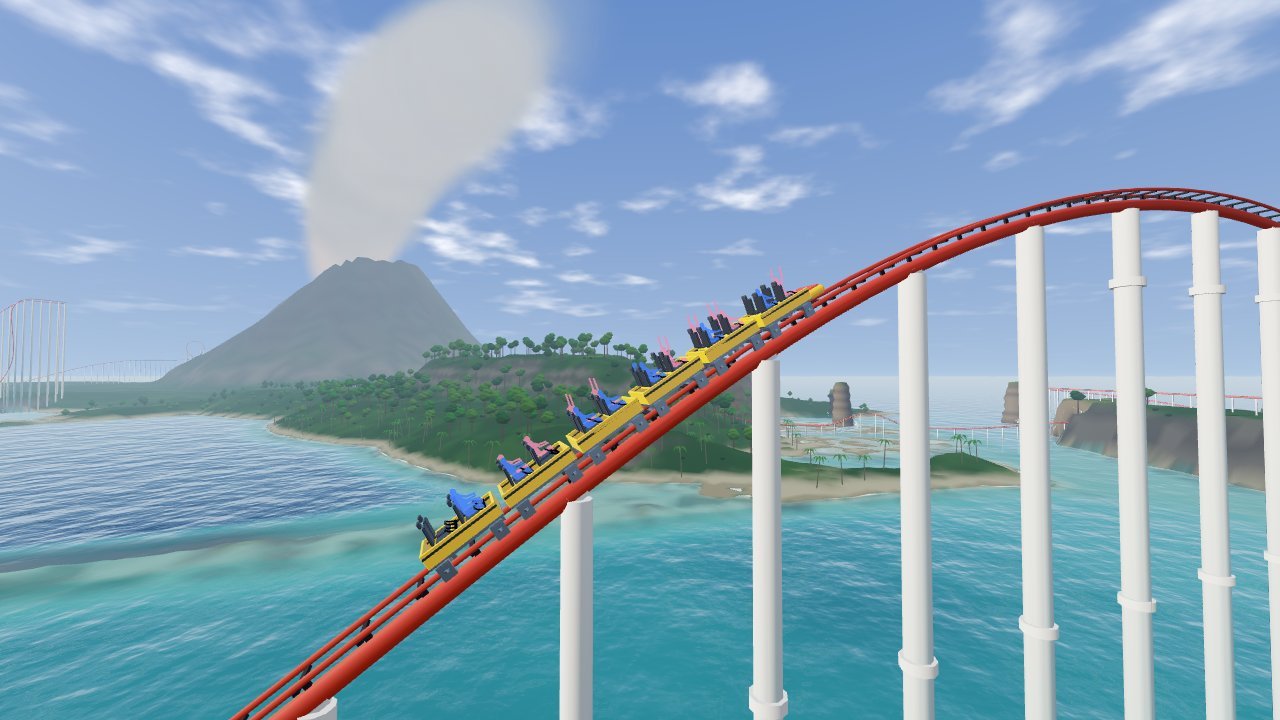
NEWA five-minute roller coaster over a volcano island: a 160 m lift, a glass tunnel under the lagoon, a jungle waterfall and an erupting volcano.
 NEW
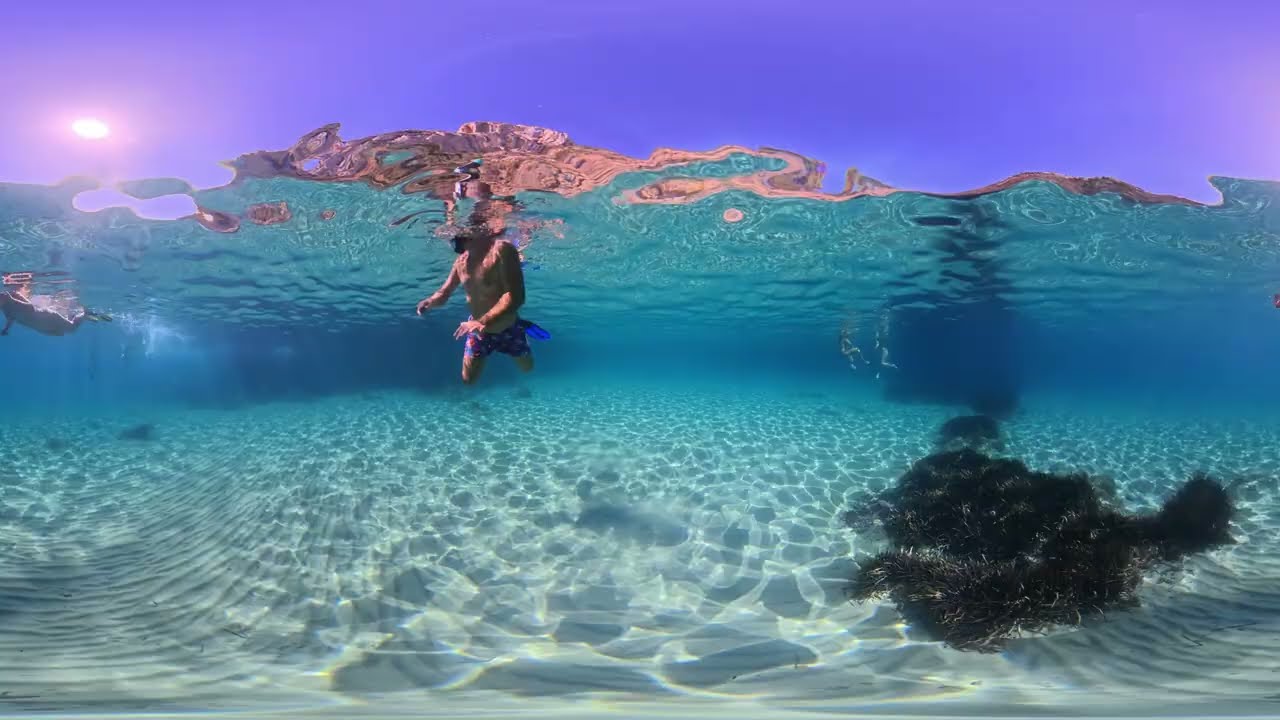
NEWDiscover the Mediterranean in 360° — underwater footage in 8K.
 NEW
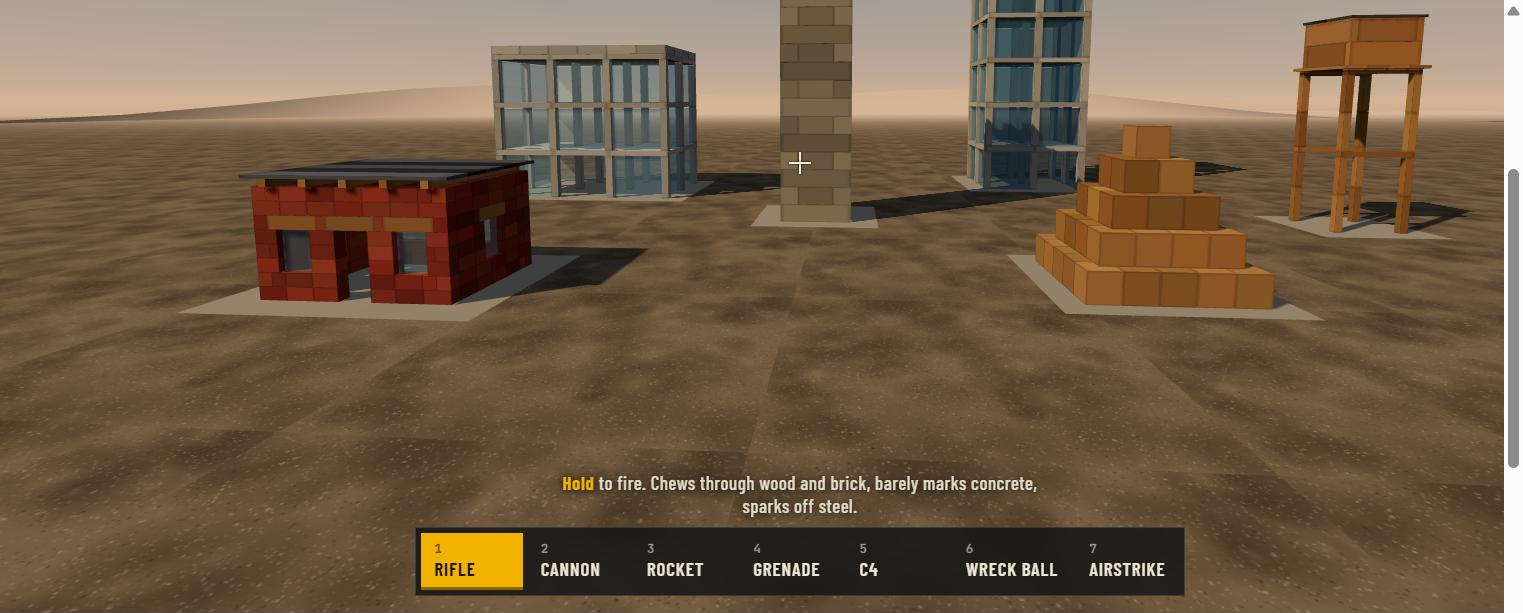
NEWBlow apart a physics yard brick by brick — every block breaks under real rigid-body physics. Version 4.2 adds VR on Quest 2: teleport movement, wrist HUD, snap turn and haptics on every weapon.
 NEW
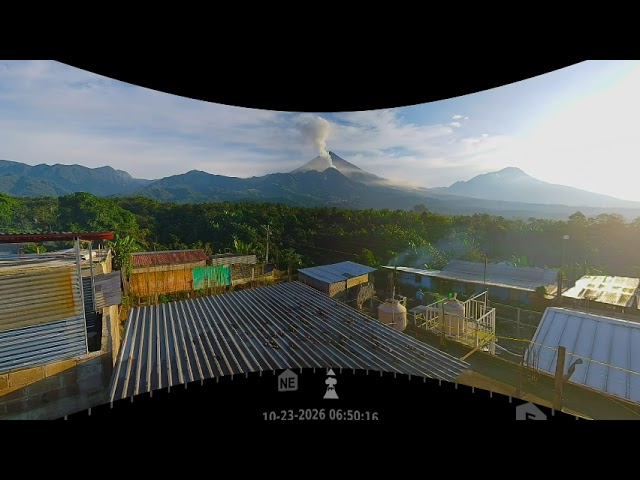
NEWA full day at Guatemala's Santiaguito volcano compressed into 24 minutes of 8K VR180 — sunrise, sunset and ash plumes over the active Caliente vent.
 NEW
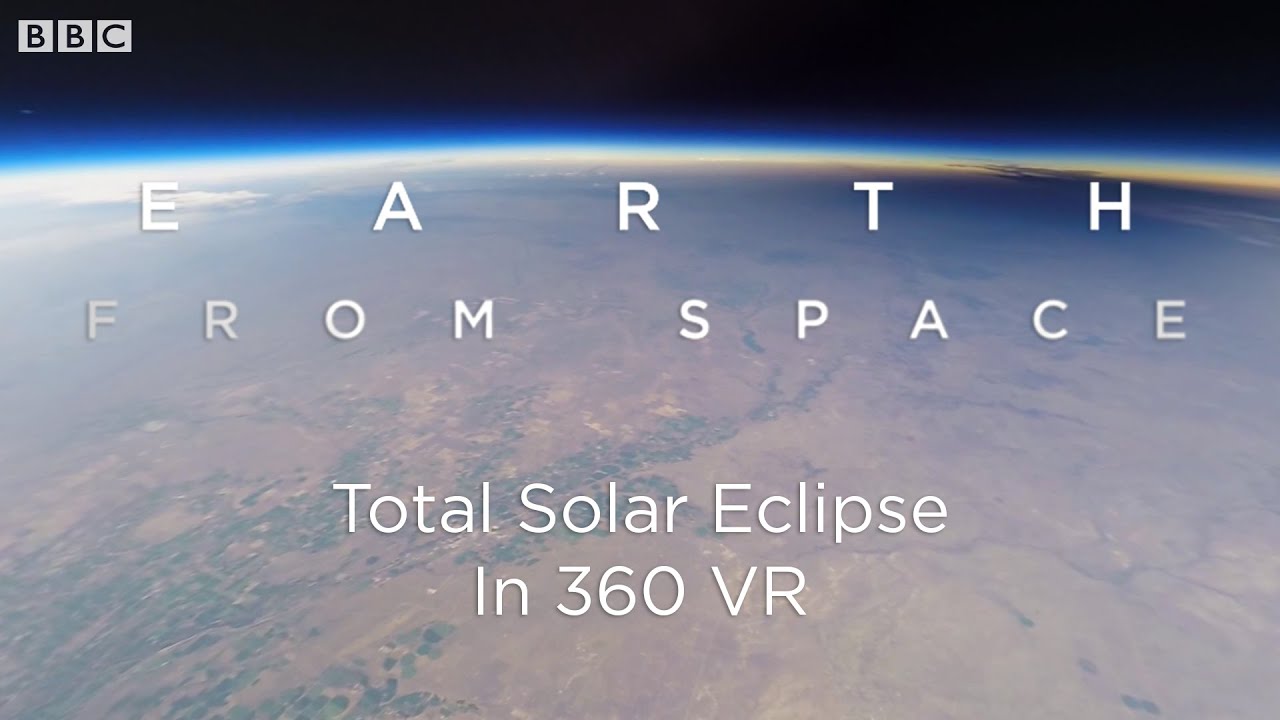
NEWWatch a total solar eclipse in 360° VR, seen from space — BBC Earth footage from the 2017 eclipse.
 NEW
NEWWelcome to Kamikochi, Japan, in 8K 360° VR — filmed in early October 2026.
 NEW
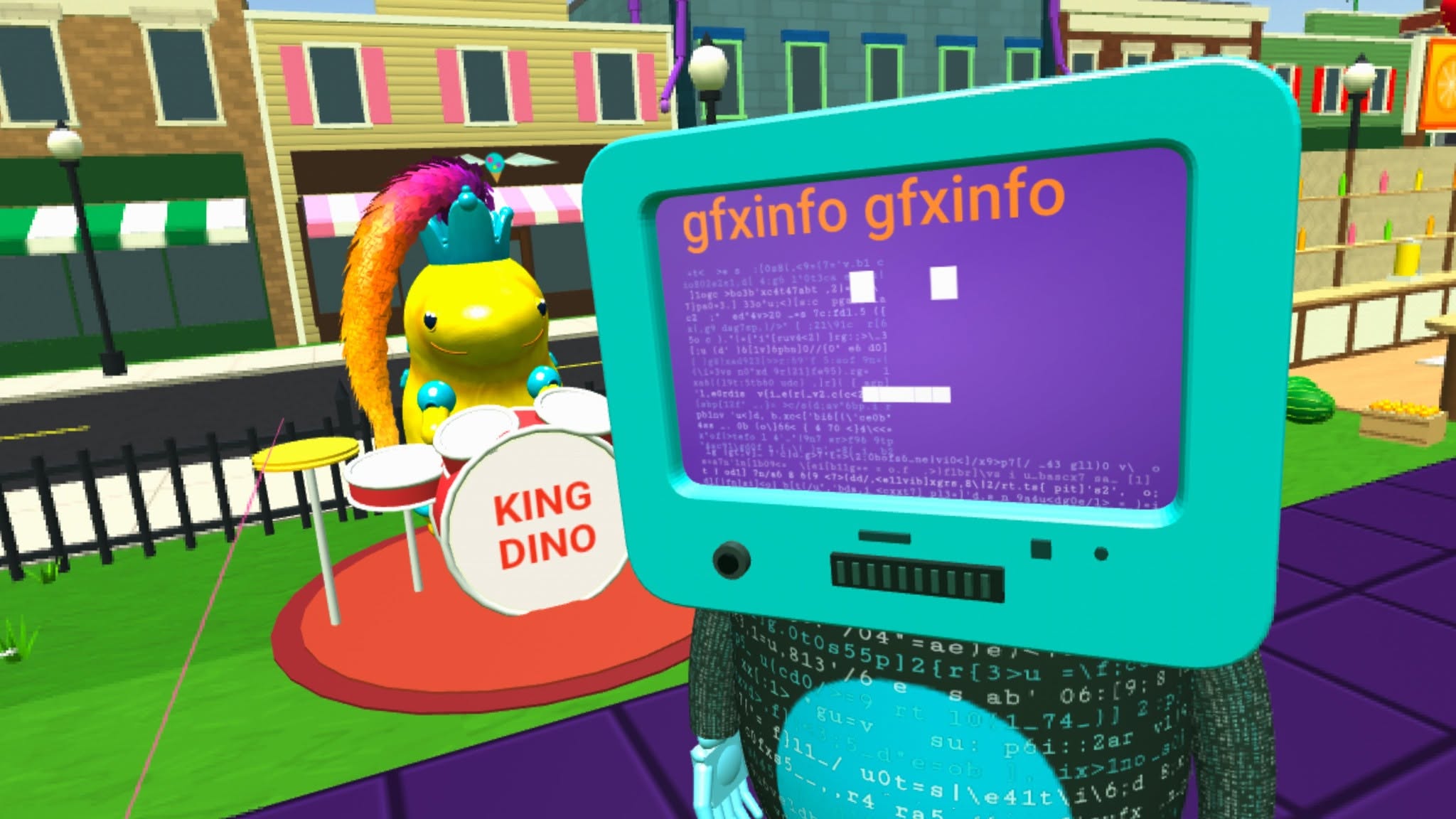
NEWAn experimental, fully on-chain WebXR game: the whole world is inscribed on Bitcoin and plays in VR right from your browser. Explore the surreal landscape of the Greeblis universe.
 NEW
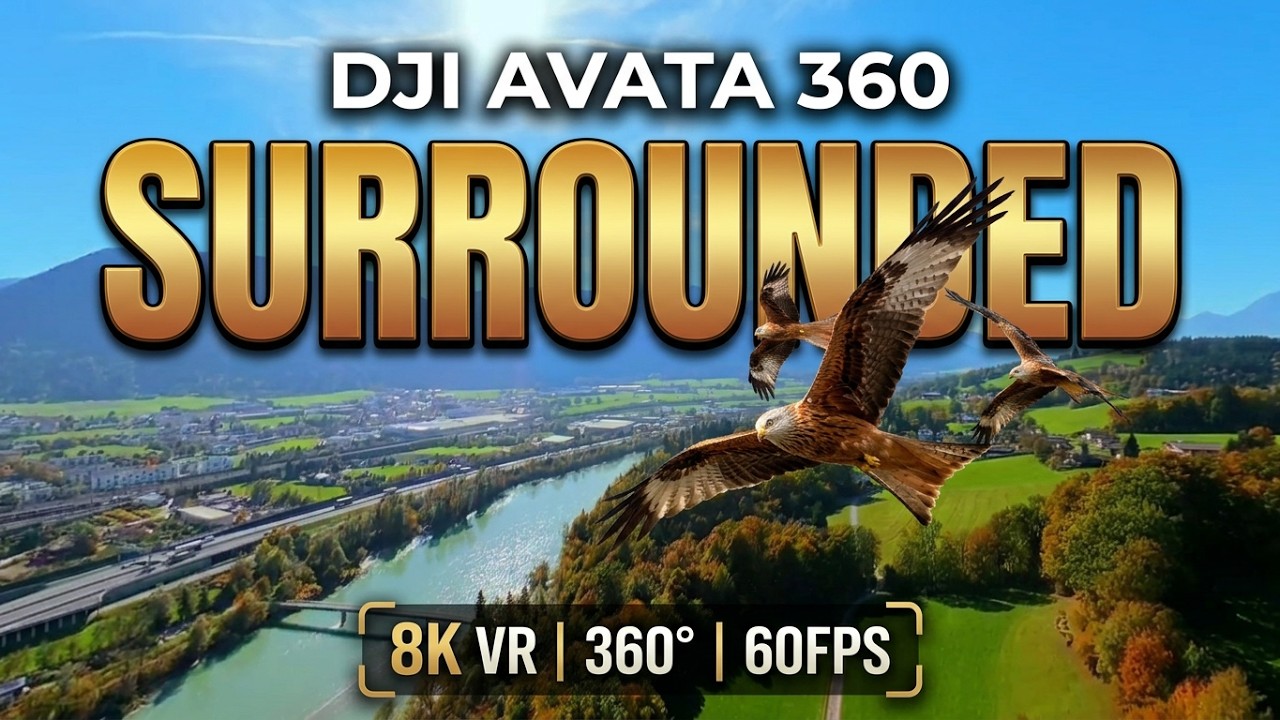
NEWA drone flies eye-to-eye in formation with three wild red kites over an autumn river valley — a rare wildlife encounter in full 8K 360°.
 NEW
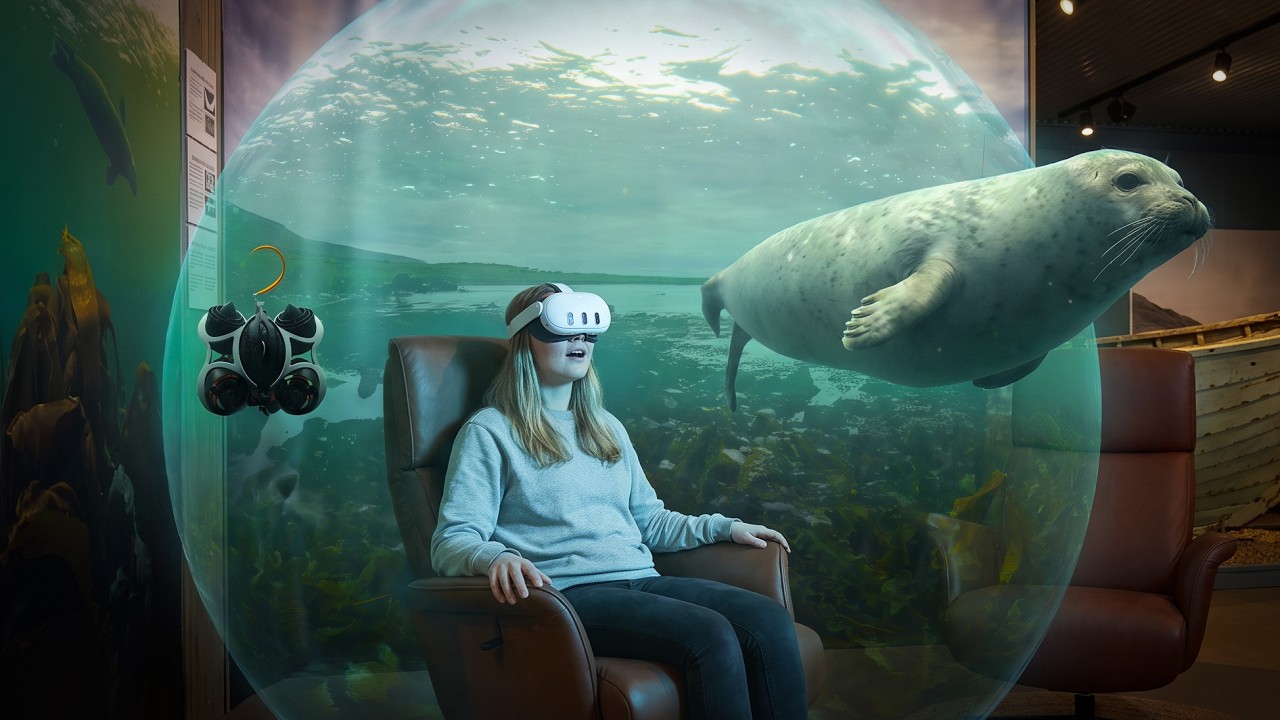
NEWA cinematic 10-years-in-the-making VR180 showreel — Icelandic waterfalls, wild seals, aurora, ice caves and erupting volcano, all mastered in true stereoscopic 3D.
 NEW★ Top pick
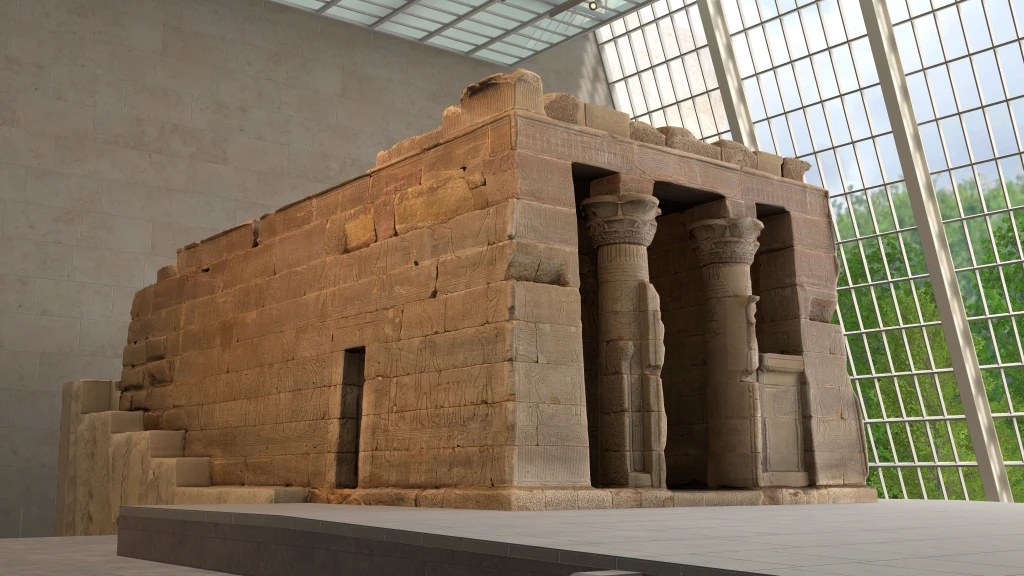
Explore the Temple of Dendur in 3D — roam the temple, watch an interactive film, and rebuild the monument block by block.
 NEW
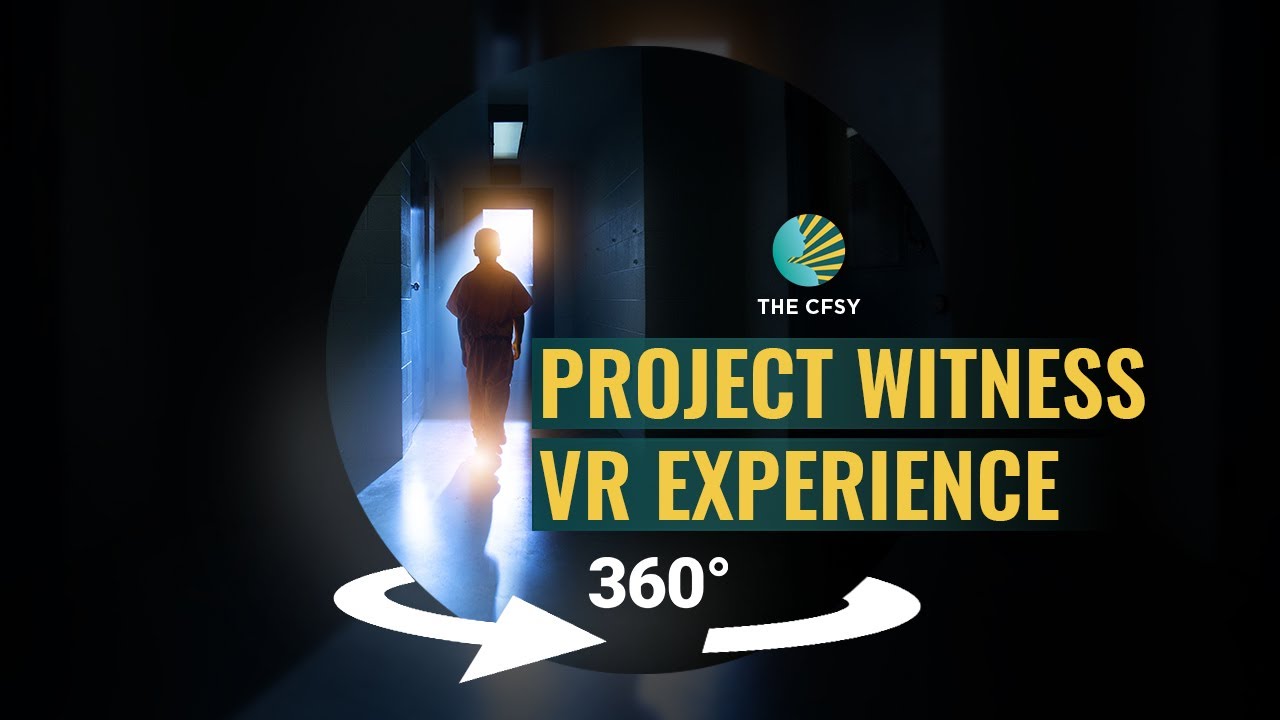
NEWAn immersive VR360 film exposing childhood incarceration in the US — solitary confinement, teenagers in adult facilities, life-without-parole sentences for children.
 NEW
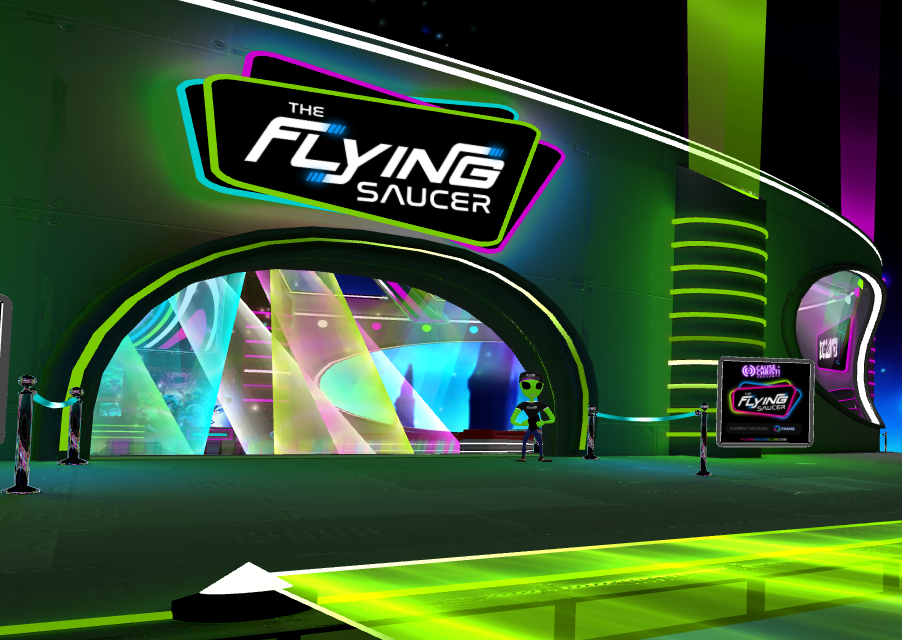
NEWA social Frame world with a dancefloor — walk or fly around and voice-chat with other visitors.
 NEW
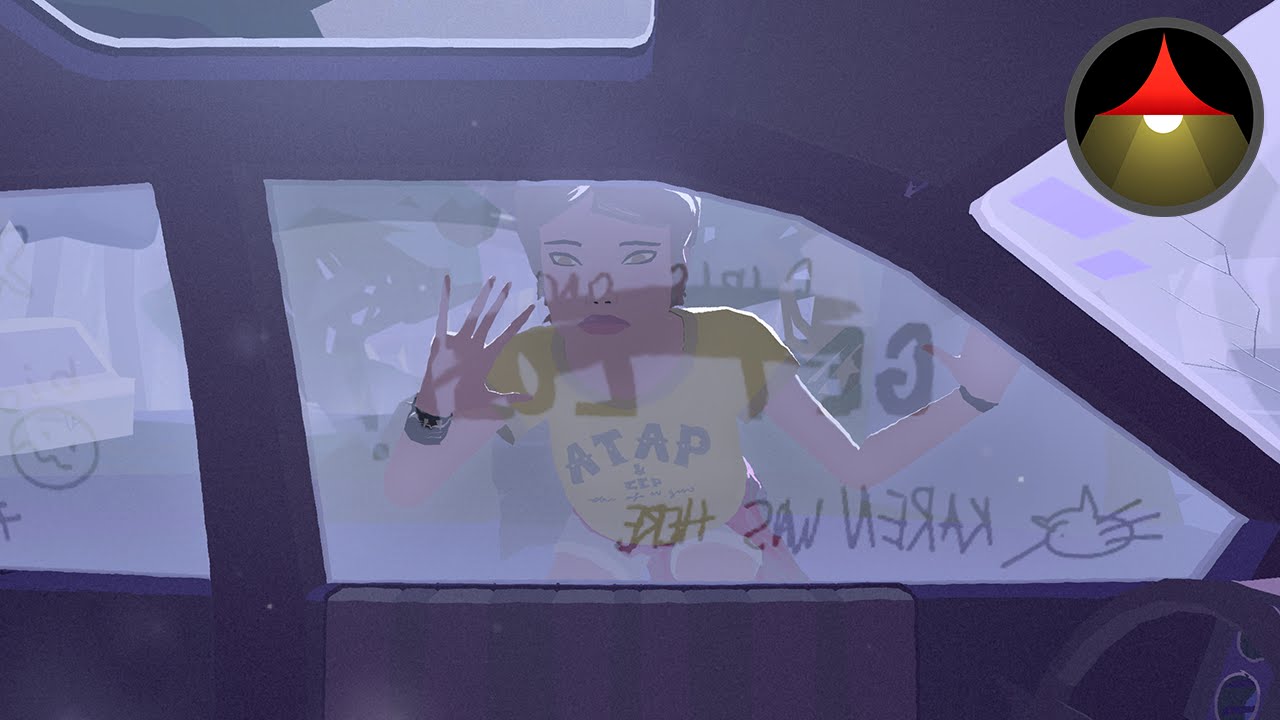
NEWOscar-nominated 360° animated short — a father and daughter's life together, told through the songs in their beloved hatchback.
 NEW
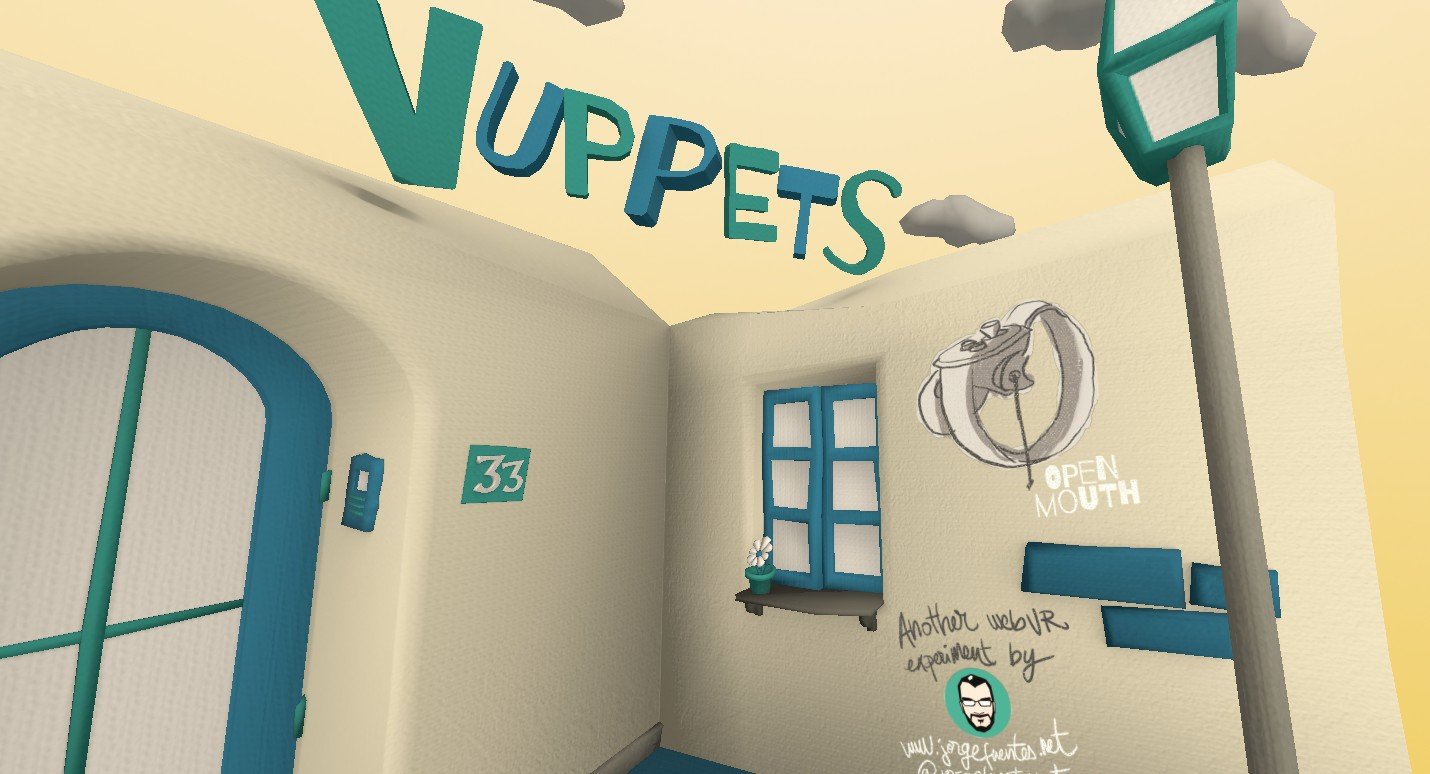
NEWPut on a show with cute animated hand puppets in VR.
 NEW
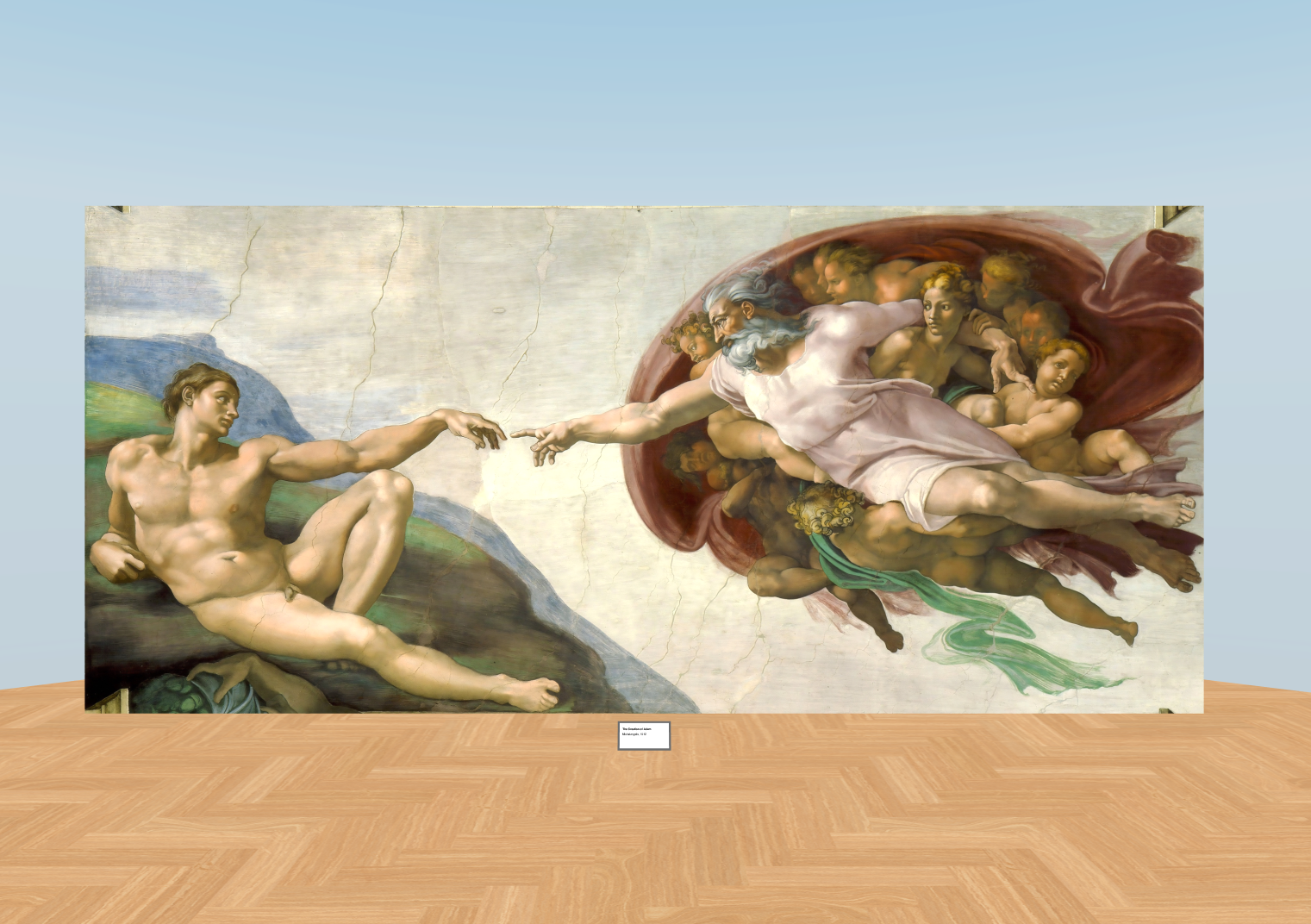
NEWA free, minimal WebXR art gallery — one room, one painting.
 NEW
NEWShoot your way through 100 levels of this roguelite bullet hell. Start weak, get powerups, become OP.
 NEW
NEWSki down an infinite procedural mountainside.
 NEW
NEWConquer enemy planets in this easy-to-learn, hard-to-master strategy game.
 NEW
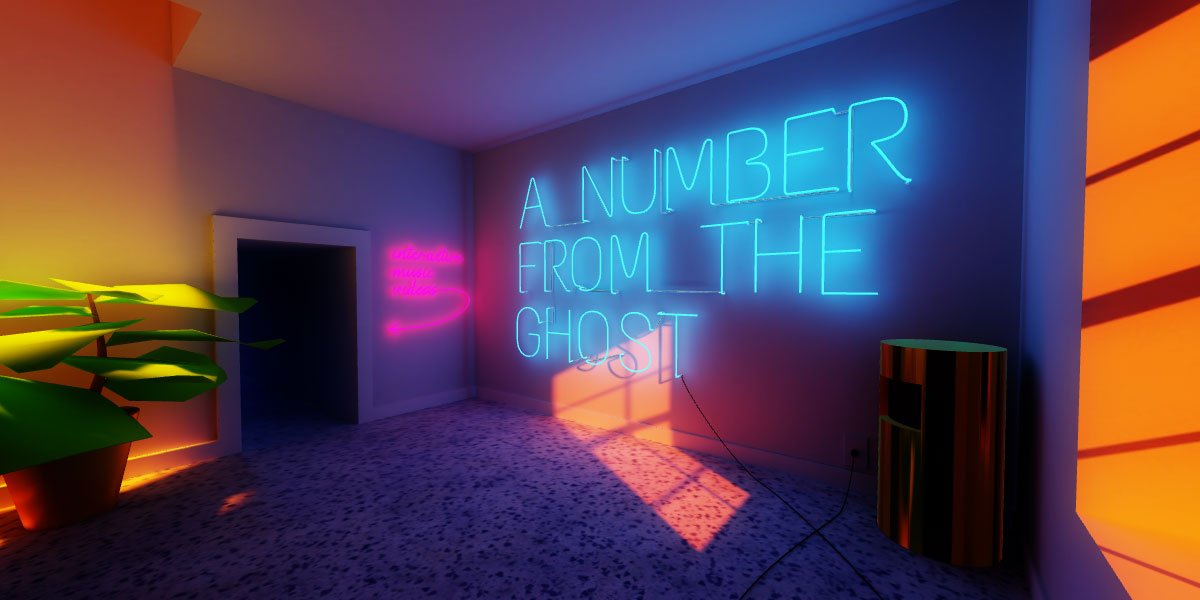
NEWInteractive music videos rendered as a neon 3D world you can walk through.
 NEW
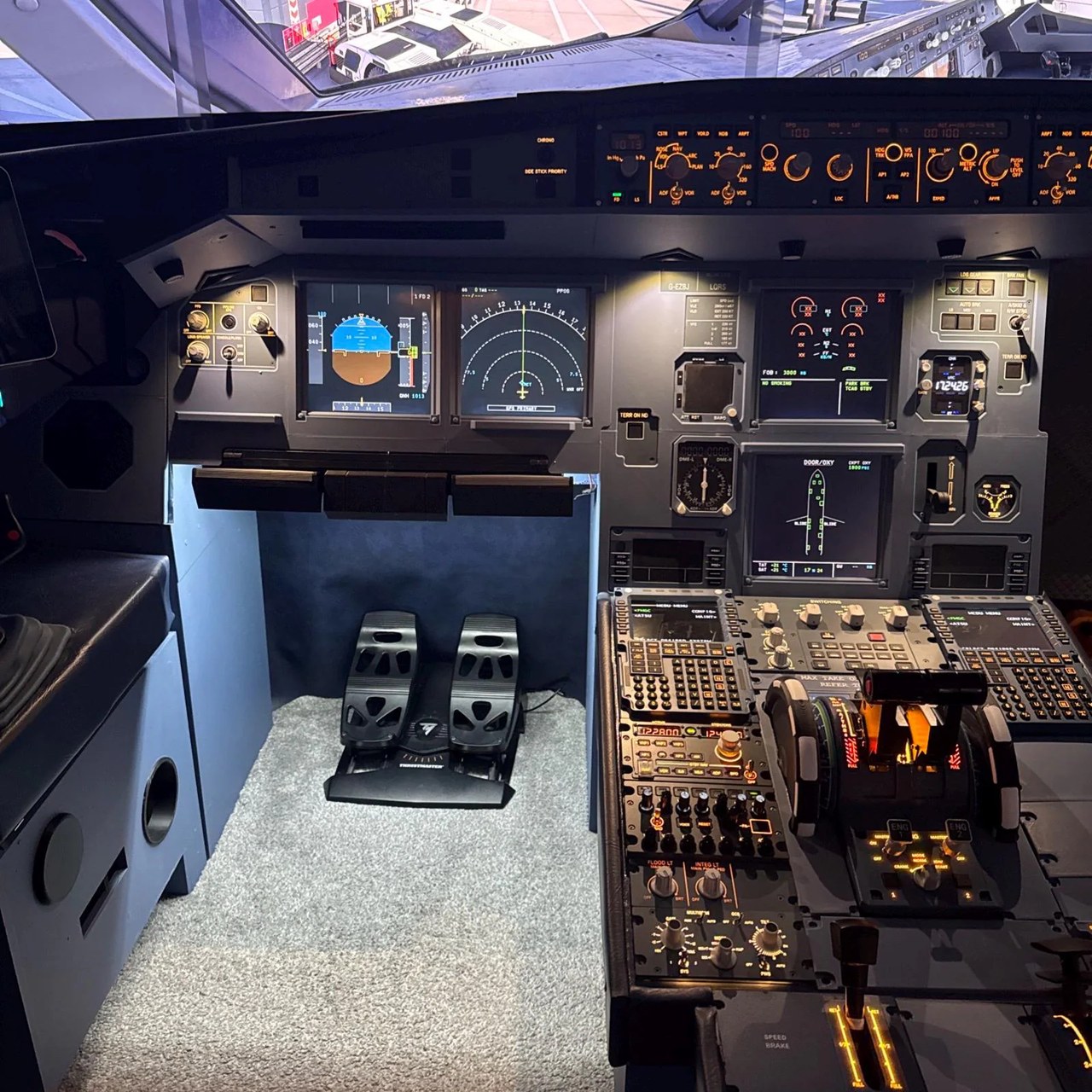
NEWStep into a detailed Airbus A320 cockpit: instruments, panels and navigation controls in 3D.
 NEW★ Top pick
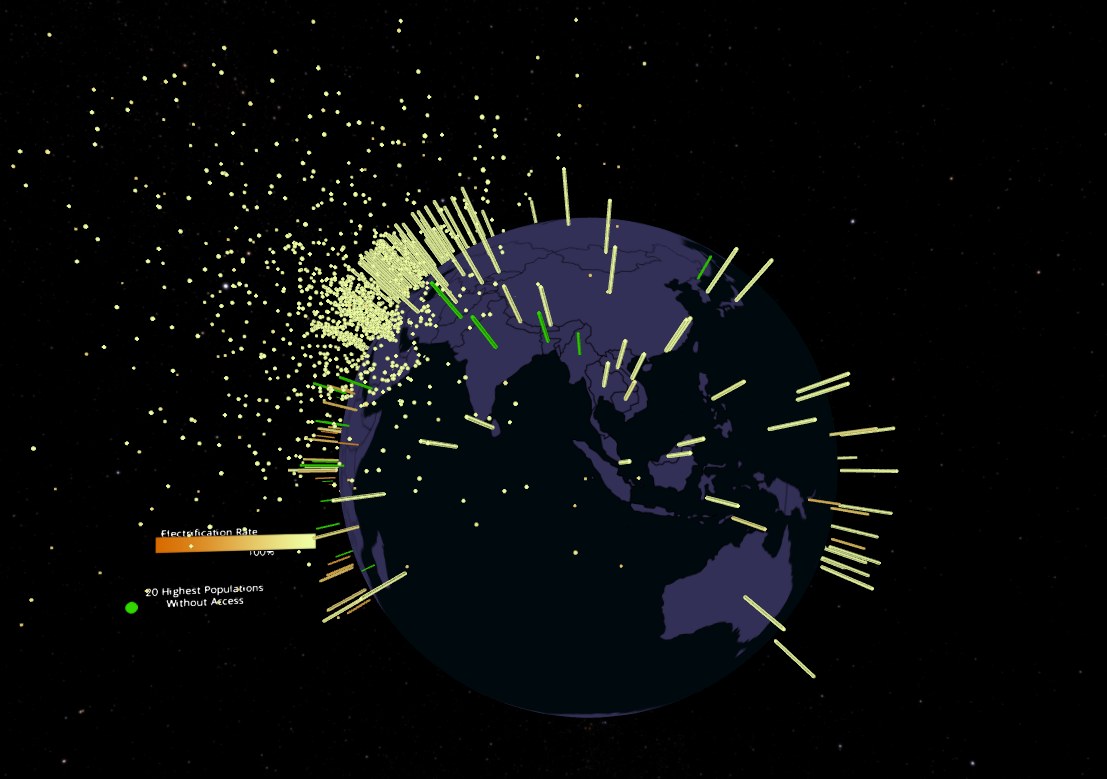
An immersive data story on global electricity access and UN Sustainable Development Goal 7.
 NEW
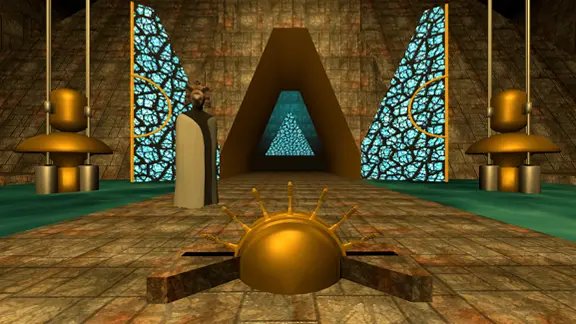
NEWAn episodic sci-fi VR game series with a full story arc across seven episodes.
 NEW
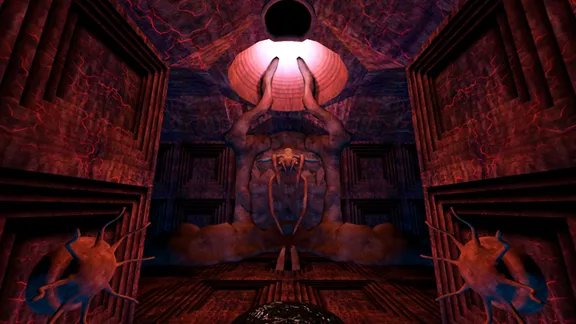
NEWEpisode 7 of the Blue Cyber sci-fi VR series: journey to the center of the Void.
 NEW
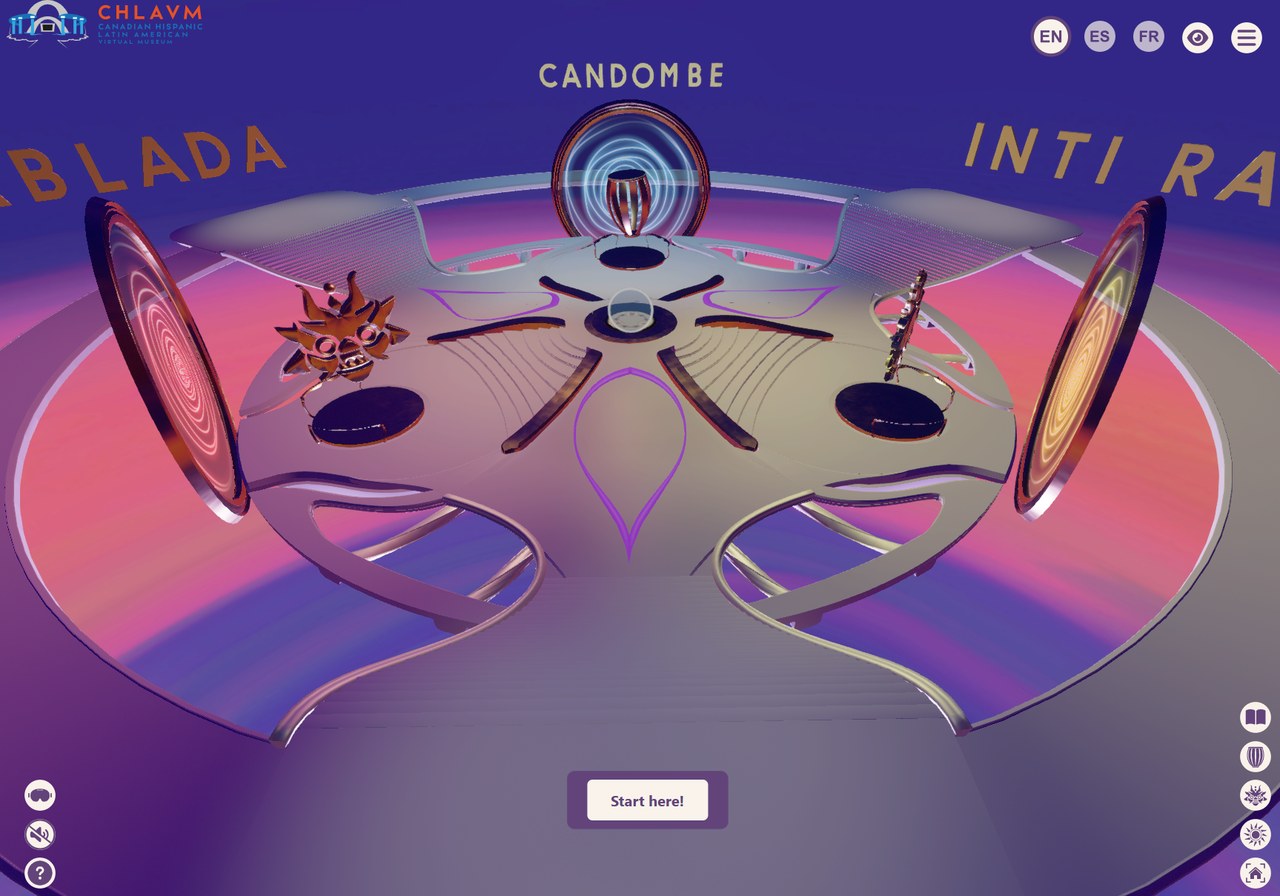
NEWA virtual museum of Hispanic-Latin American heritage in Canada, including ceremonial costumes.
 NEW
NEWThe leading free 360° and 180° video player for Quest and beyond — stream both formats and explore its built-in library.
 NEW★ Top pick
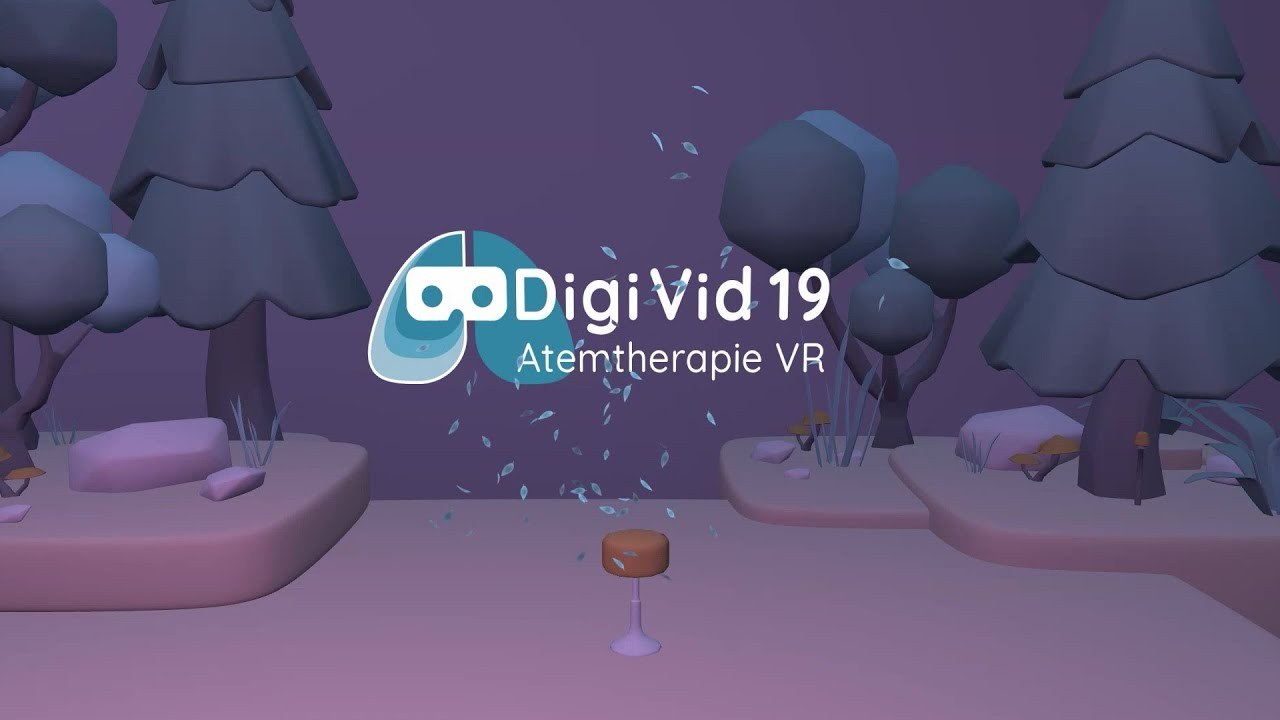
A breathing-therapy experience in a stylized VR forest.
 NEW
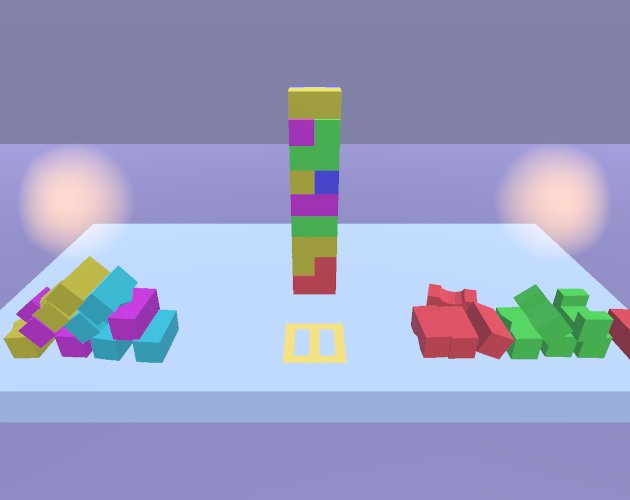
NEWA WebXR puzzle game: match opposite blocks to build the tower. Made for Global Game Jam 2022.
 NEW
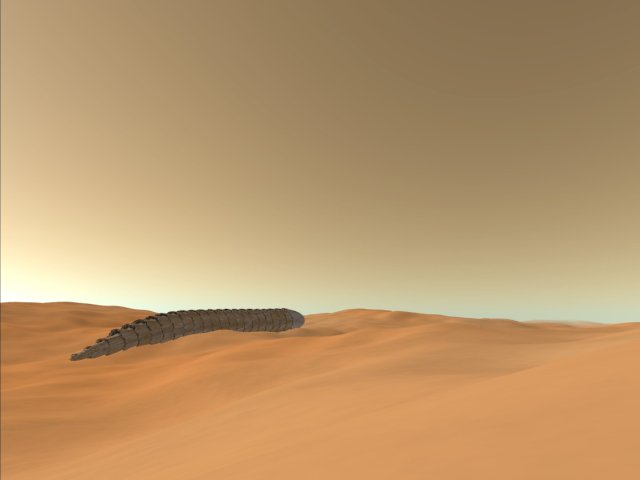
NEWRide a dust devil in this playful VR experience.
 NEW
NEWStunning 8K 360° drone tours across Korea.
 NEW
NEWExplore and build virtual worlds together, instantly on the web — dozens of live worlds to visit.
 NEW
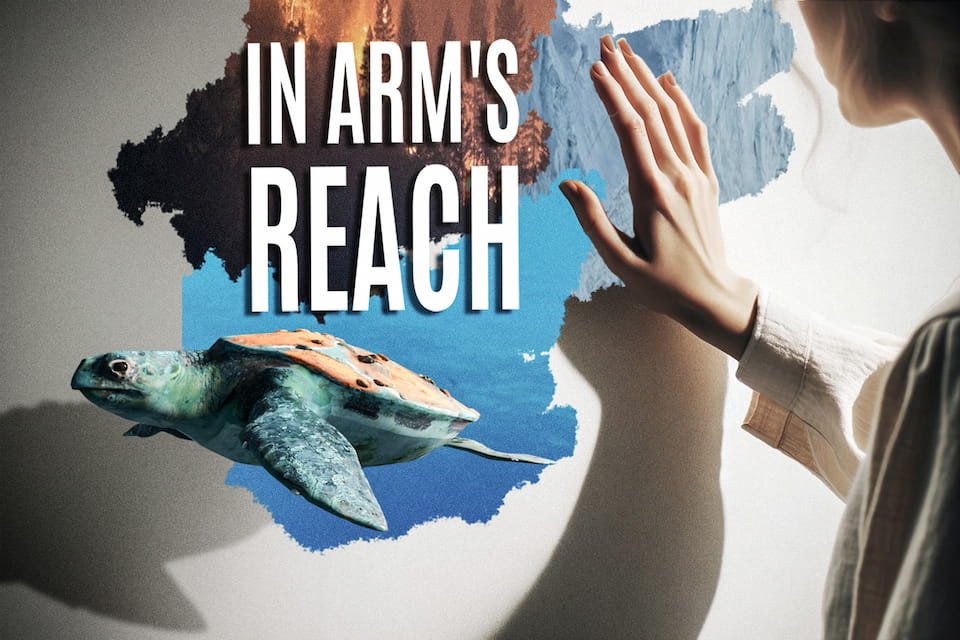
NEWAn interactive 'Draw to Reveal' experience. MIT Reality Hack grand-prize winner.
 NEW★ Top pick
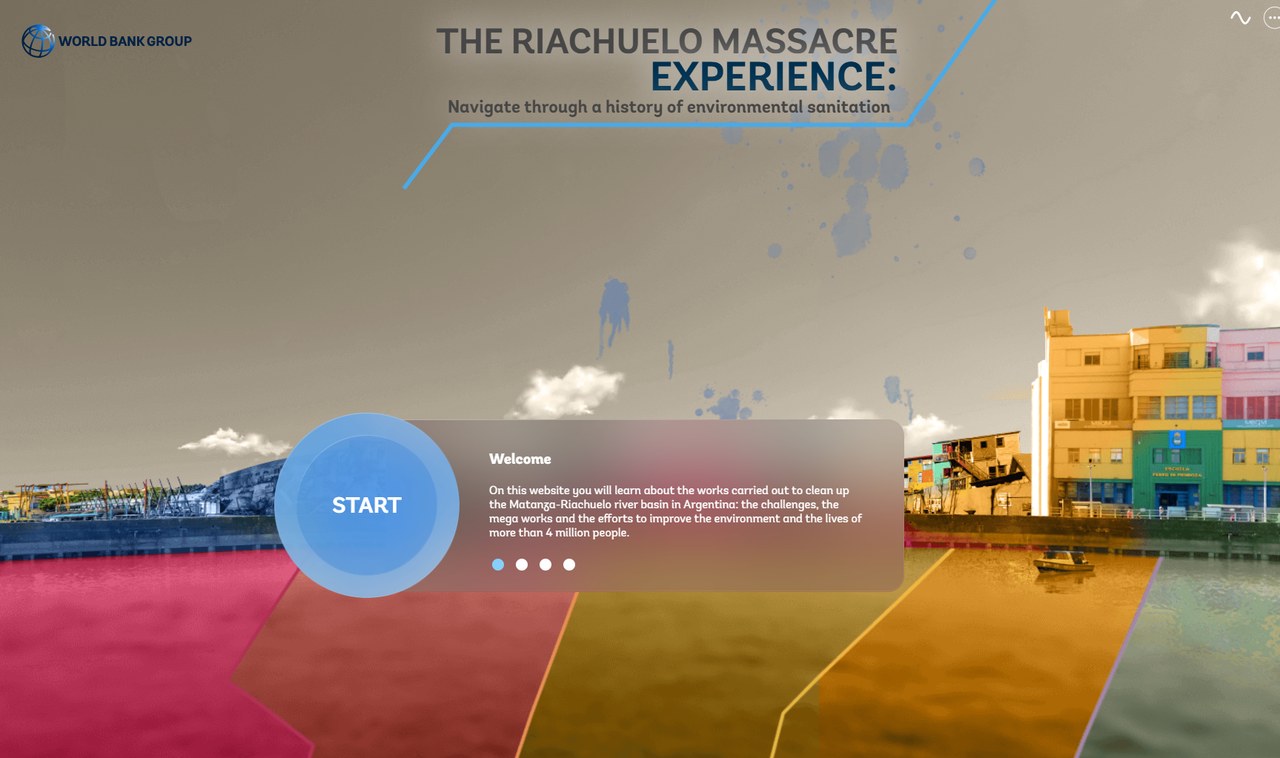
An immersive journey through the Matanza-Riachuelo sanitation project in Argentina. Available in English and Spanish.
 NEW
NEWA technical rhythm game for WebXR: hit buttons and track hand positions to the beat.
 NEW
NEWAn immersive platform for chemistry and structural biology: manipulate molecules together in real time.
 NEW
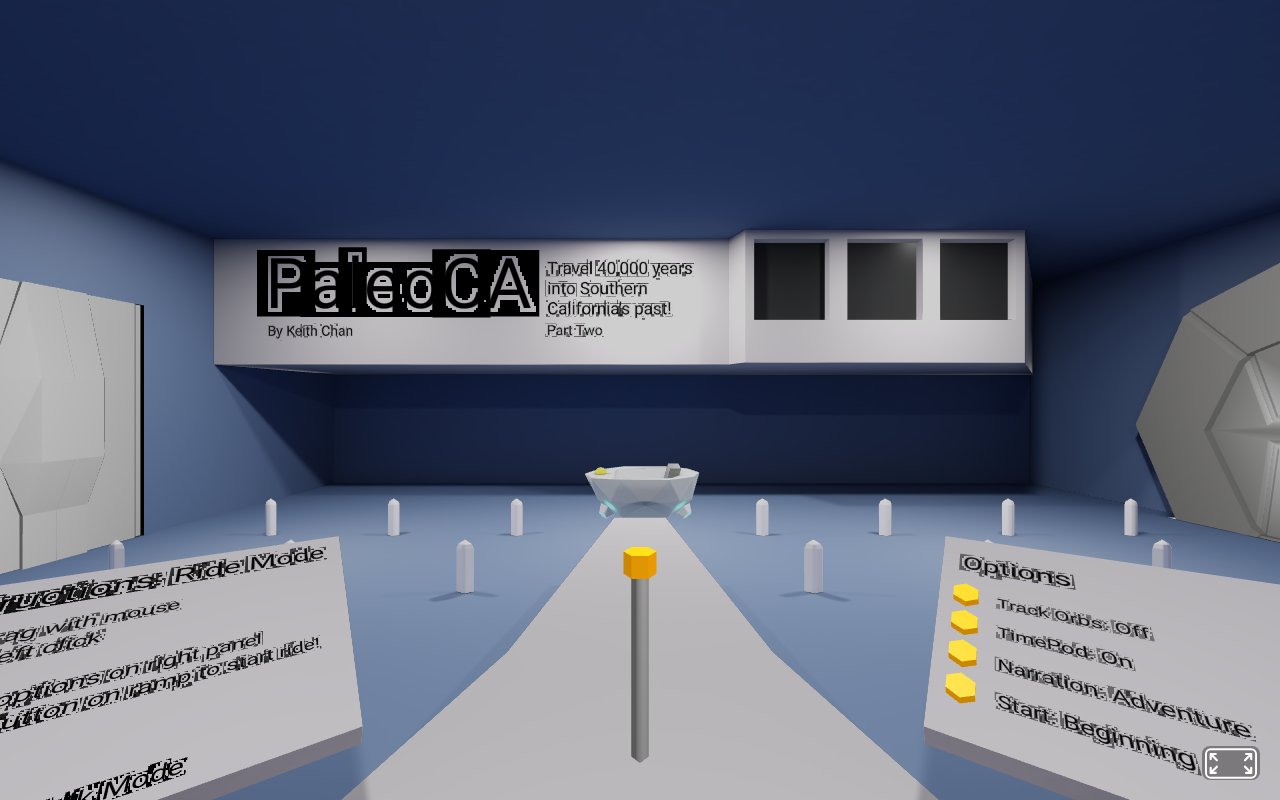
NEWTravel 40,000 years into Southern California's past in a 3D museum with a time pod and narration.
 NEW
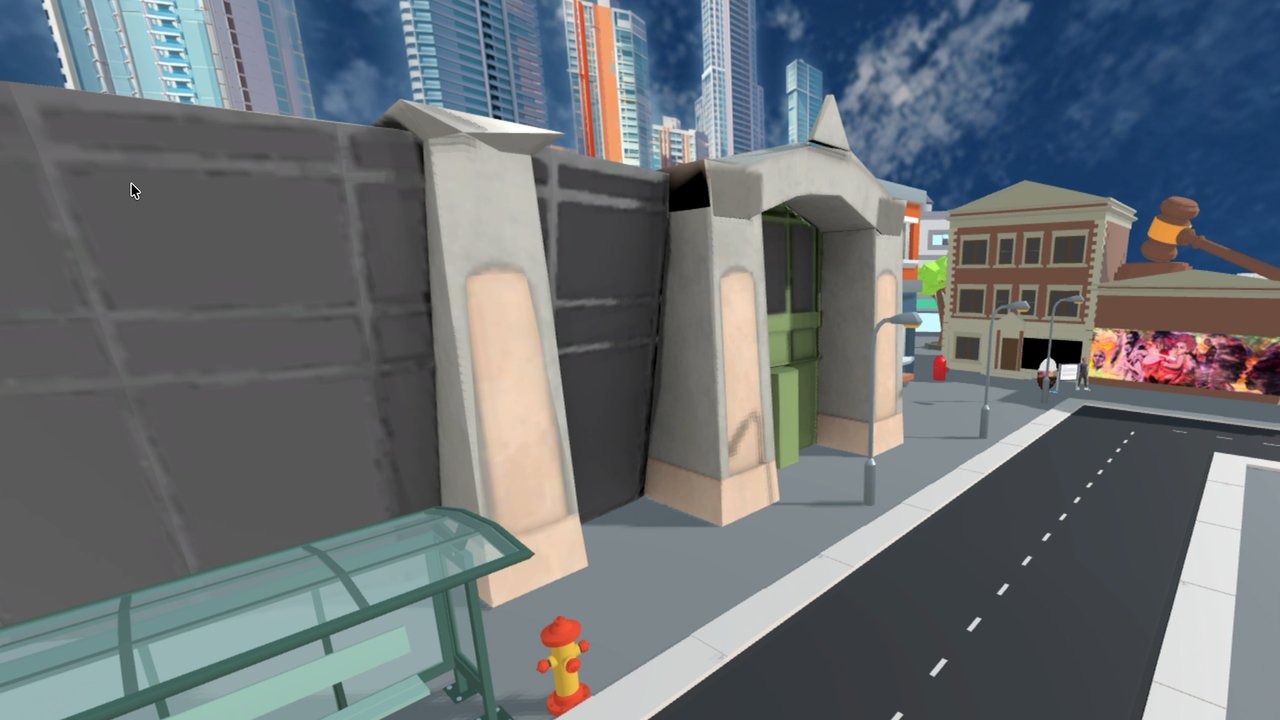
NEWAn immersive VR experience about Miami's Overtown murals and the stories behind them.
 NEW★ Top pick
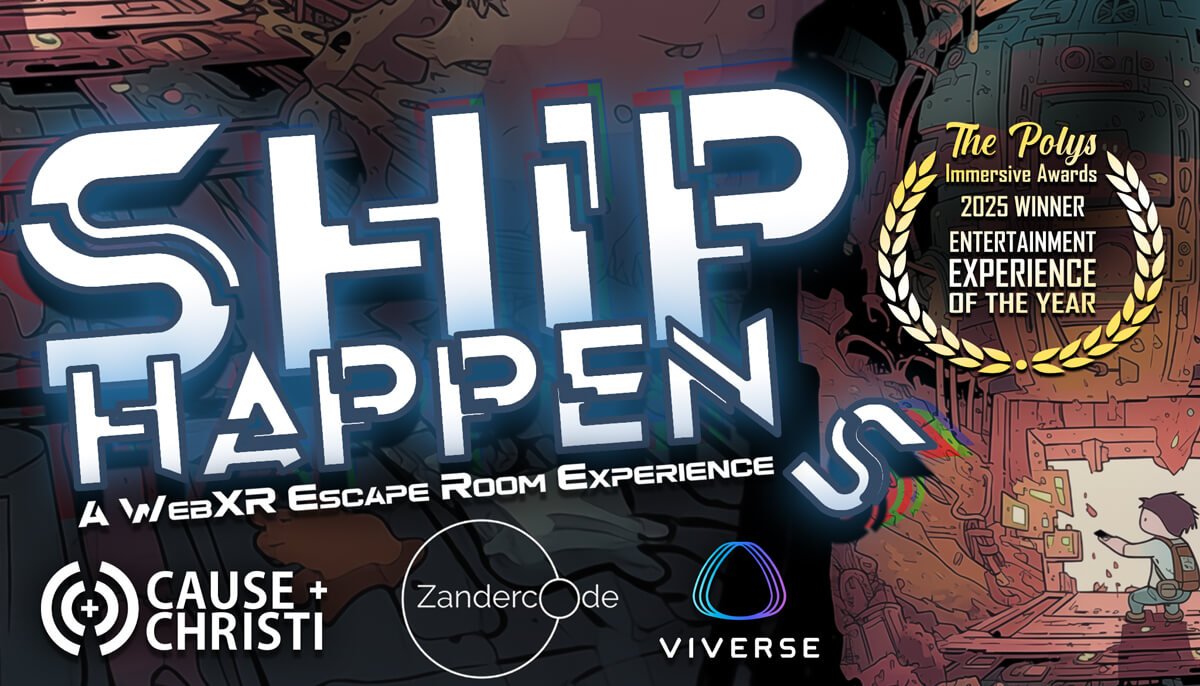
A VR escape room on a space station: solve puzzles and find your way off the ship. Winner of the 2025 Poly Award for Entertainment Experience.
 NEW
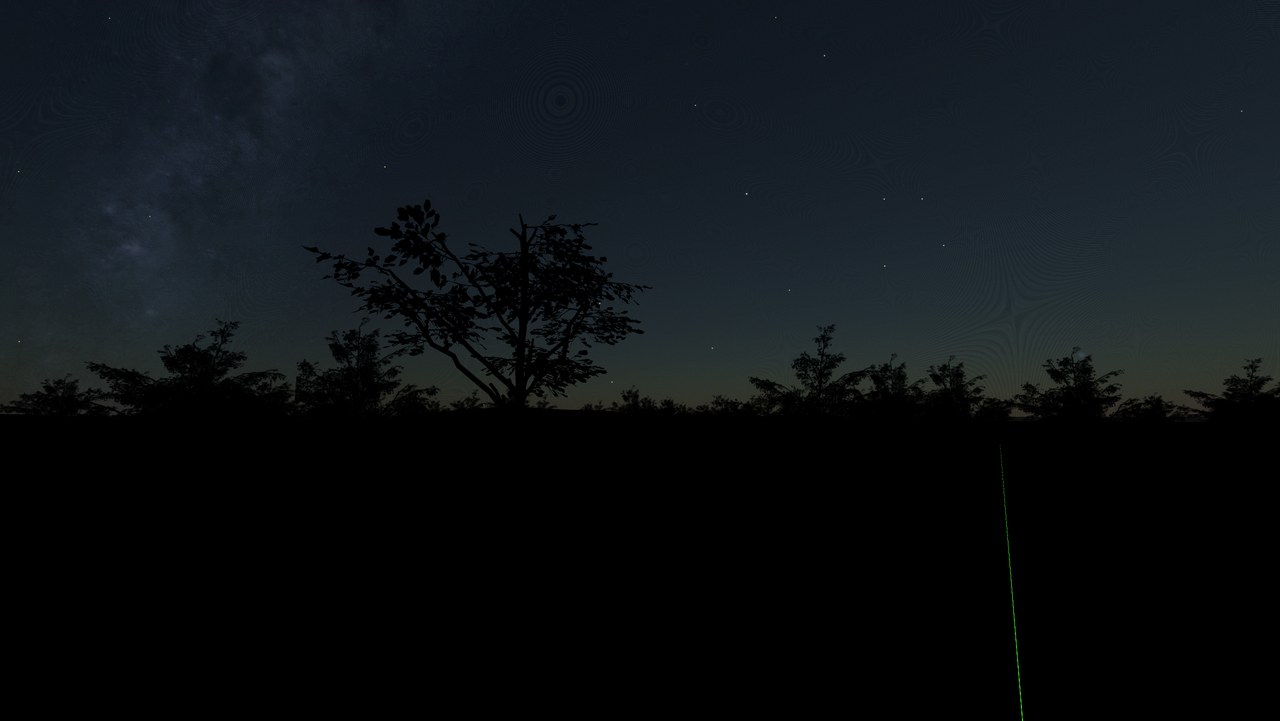
NEWAn animated night sky with shooting stars and constellation cards.
 NEW
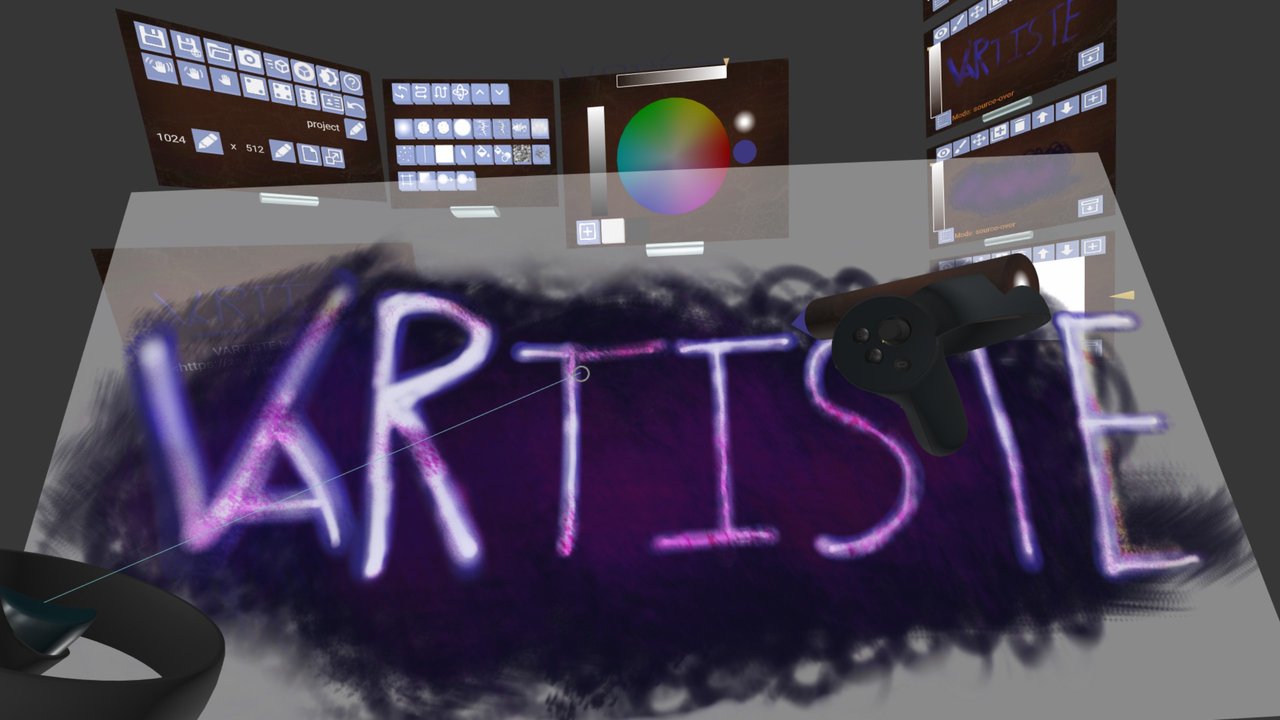
NEWA WebXR drawing and texturing tool: paint in 3D space.
 NEW★ Top pick
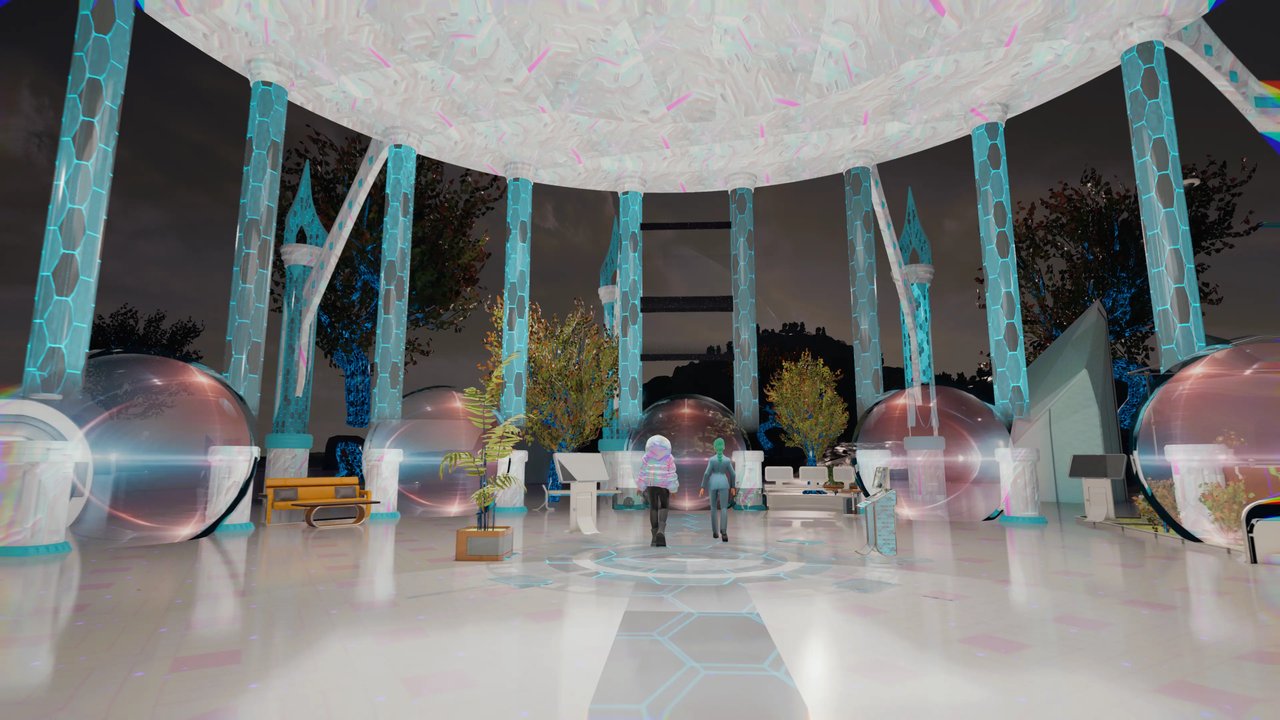
The Virtual Worlds Museum's WebXR exhibit: walk through the history of virtual worlds, from early MUDs to today's metaverse platforms. AUREA Impact Award 2025 winner.
 NEW
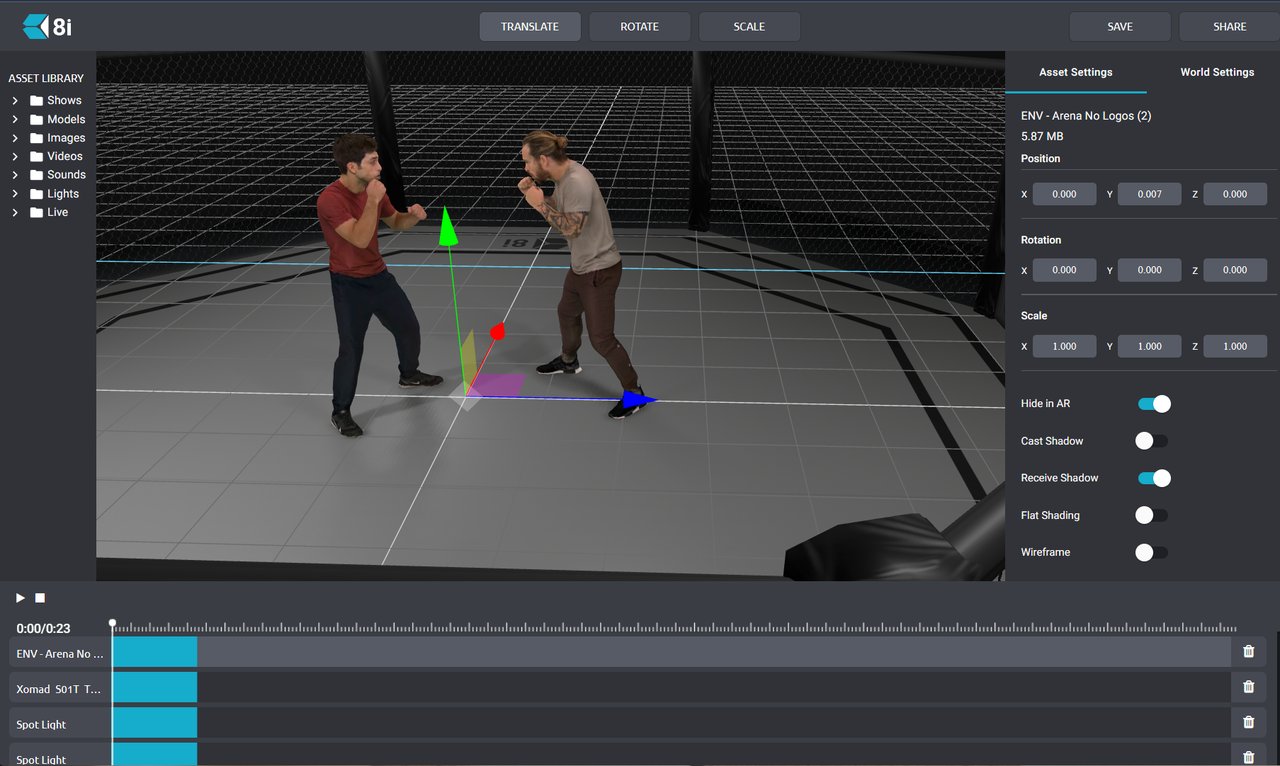
NEWPlay volumetric 3D video in the browser: real humans captured as holograms.
 NEW
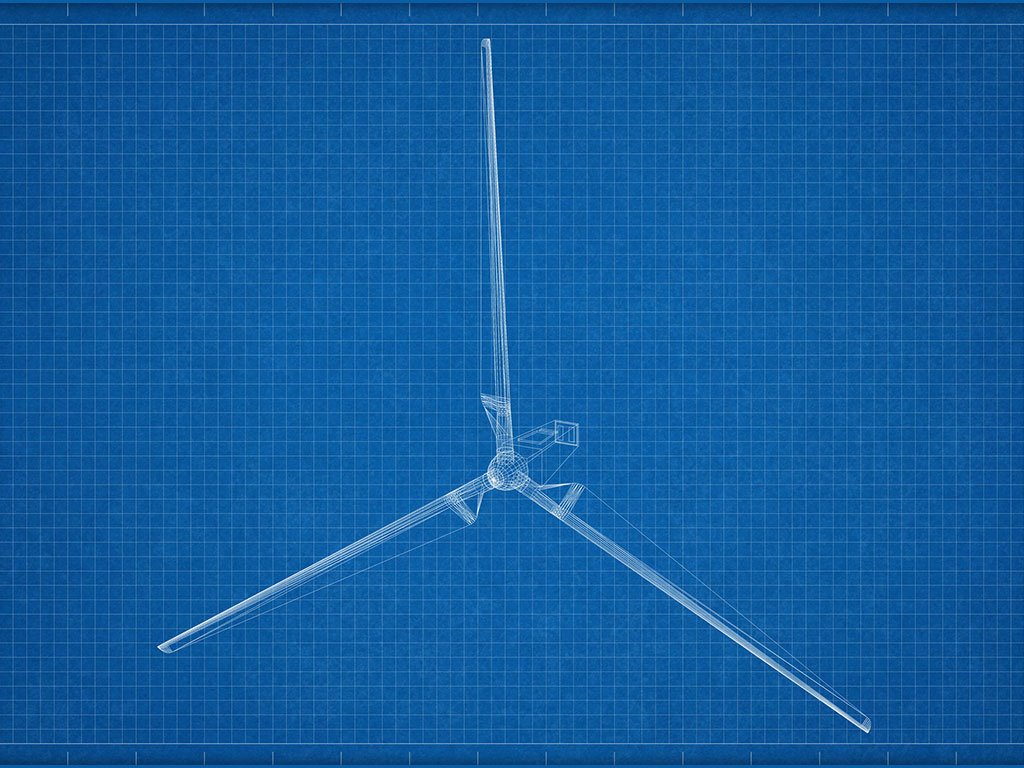
NEWExplore a wind turbine in immersive 3D and learn how wind power works. In German.
 NEW
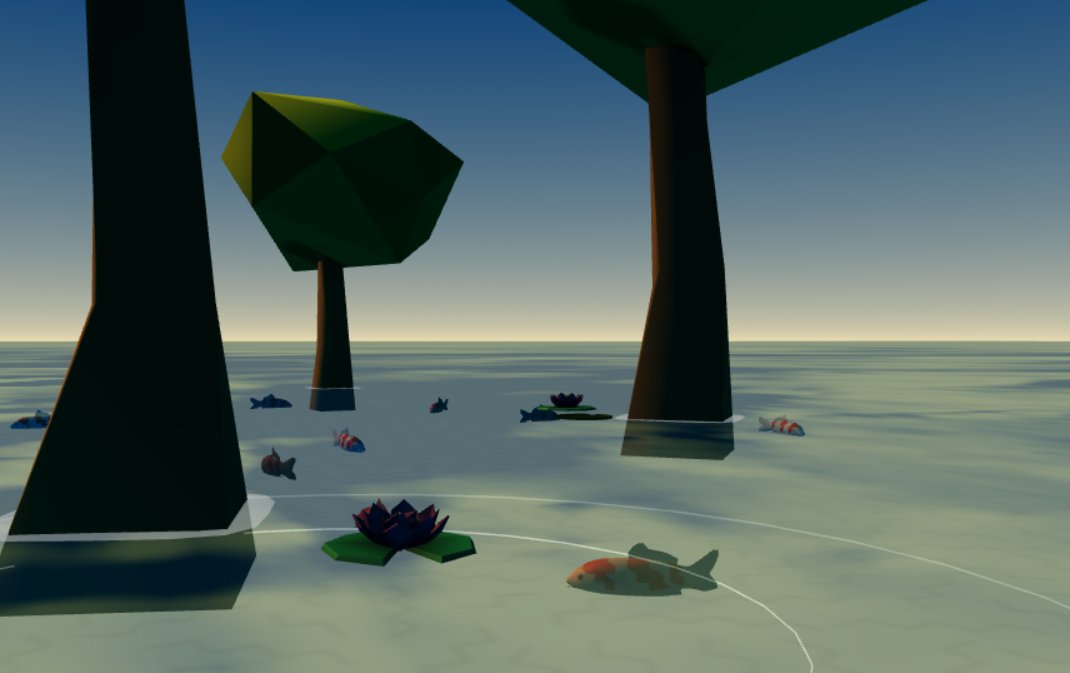
NEWA tranquil low-poly 3D koi pond with swimming koi, lily pads and lotus flowers.
 NEW
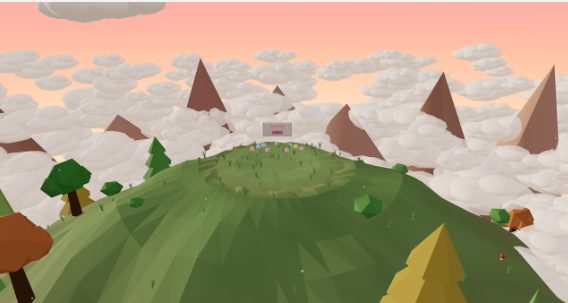
NEWHurl clay boulders to defend your summit from climbing monsters.
 NEW
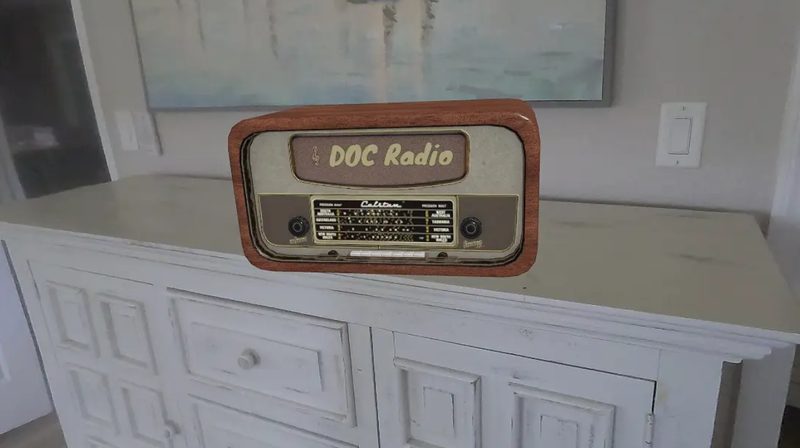
NEWPlace a virtual DOC Radio in your real room and listen while you play.
 NEW
NEWBesiege castles with medieval war machines.
 NEW
NEWTend a serene ranch and its unicorn herd — with an absurd twist.
 NEW
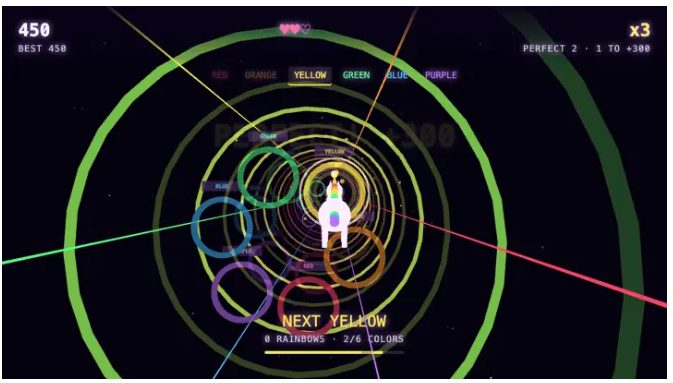
NEWFly a unicorn through a neon tunnel chasing rainbow rings.
 NEW
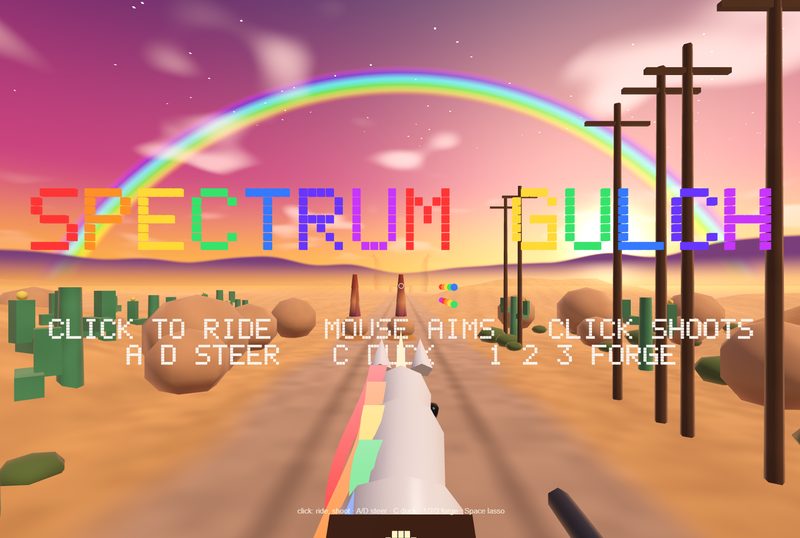
NEWOutrun a storm on a galloping unicorn through a sunset canyon.
 NEW
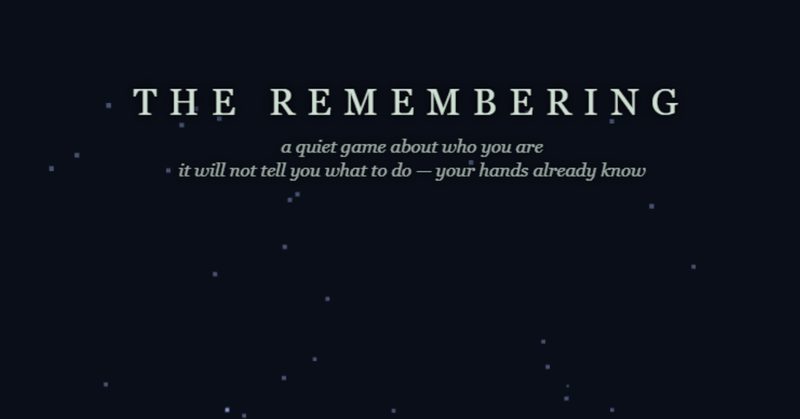
NEWA quiet, tactile VR art piece about presence and personal identity.
 NEW
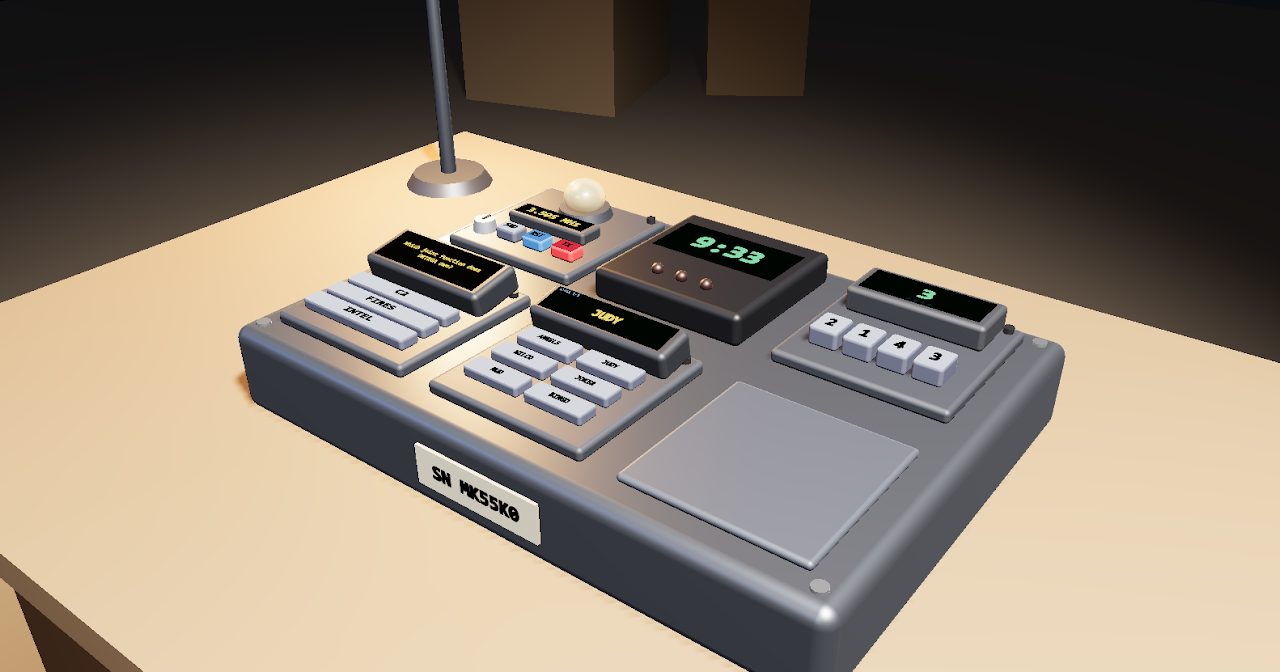
NEWDefuse a 3D bomb in VR while teammates talk you through it with the field manual.
 NEW
NEWFly a low-poly plane powered by your own live heartbeat.
Everything here works across VR, desktop, and mobile browsers — most experiences are optimized for and best experienced in a VR headset.
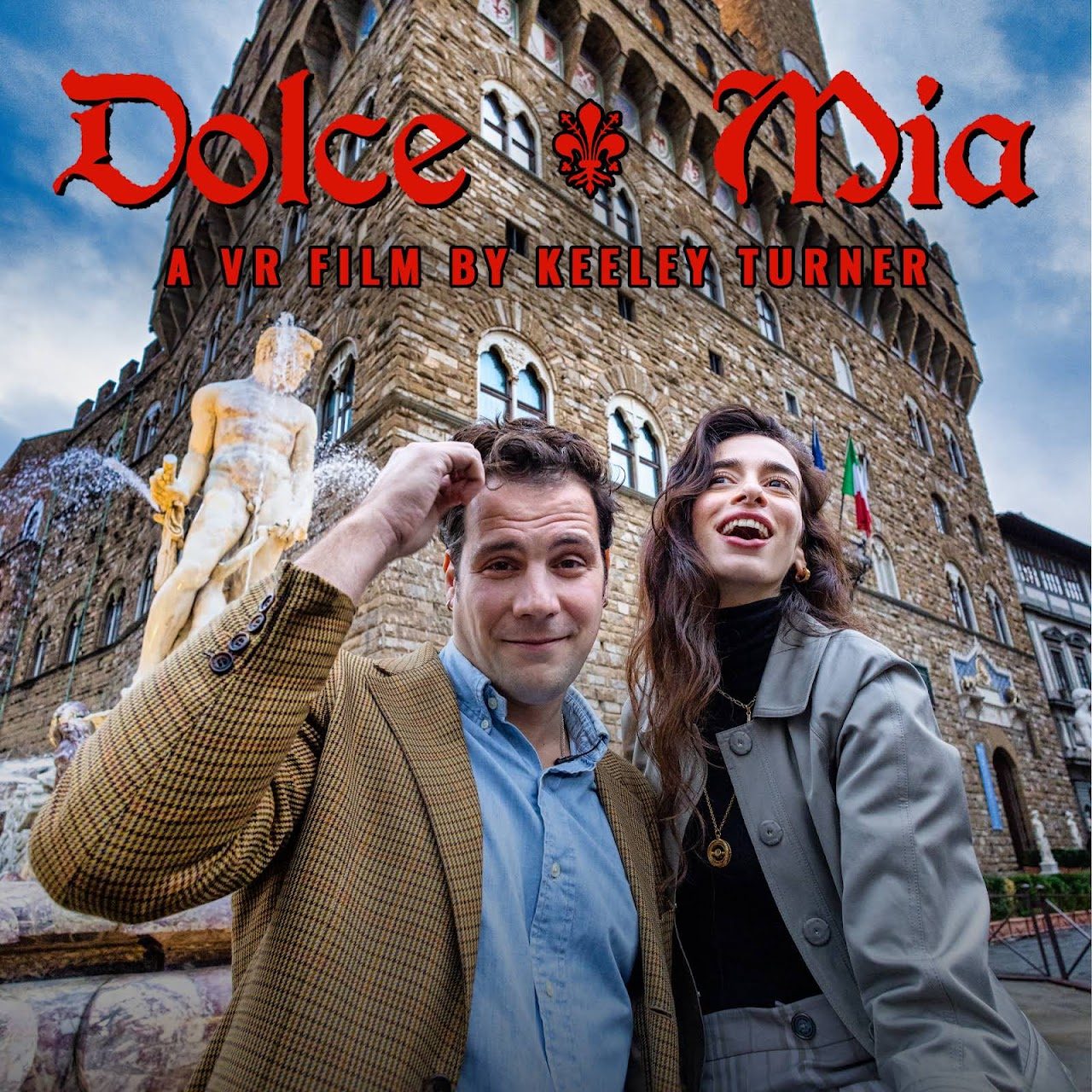
Masterclasses in 360° and 180° video production.
NEWDiscover the Mediterranean in 360° — underwater footage in 8K.
NEWA full day at Guatemala's Santiaguito volcano compressed into 24 minutes of 8K VR180 — sunrise, sunset and ash plumes over the active Caliente vent.
NEWWatch a total solar eclipse in 360° VR, seen from space — BBC Earth footage from the 2017 eclipse.
NEWWelcome to Kamikochi, Japan, in 8K 360° VR — filmed in early October 2026.
NEWA drone flies eye-to-eye in formation with three wild red kites over an autumn river valley — a rare wildlife encounter in full 8K 360°.
NEWA cinematic 10-years-in-the-making VR180 showreel — Icelandic waterfalls, wild seals, aurora, ice caves and erupting volcano, all mastered in true stereoscopic 3D.
NEWAn immersive VR360 film exposing childhood incarceration in the US — solitary confinement, teenagers in adult facilities, life-without-parole sentences for children.
NEWOscar-nominated 360° animated short — a father and daughter's life together, told through the songs in their beloved hatchback.
NEWThe leading free 360° and 180° video player for Quest and beyond — stream both formats and explore its built-in library.
NEWStunning 8K 360° drone tours across Korea.
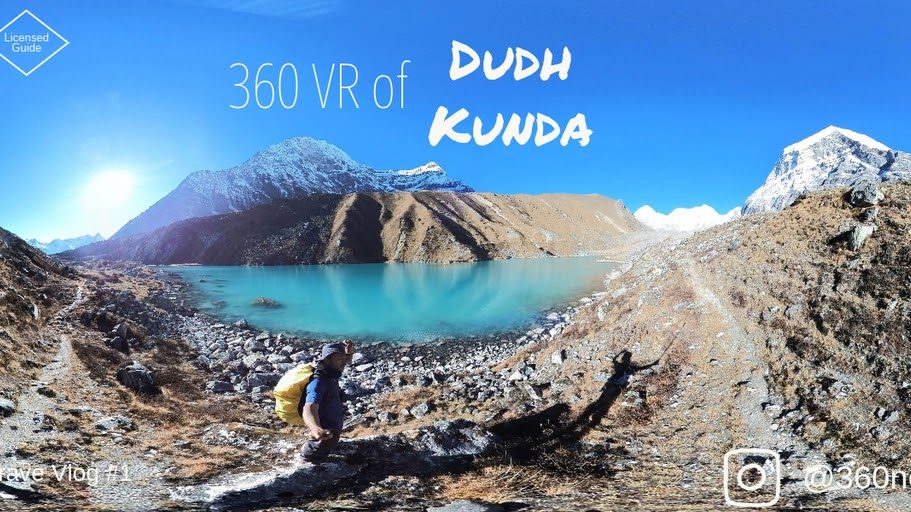
Curated 360° panoramas and videos from photographers worldwide.
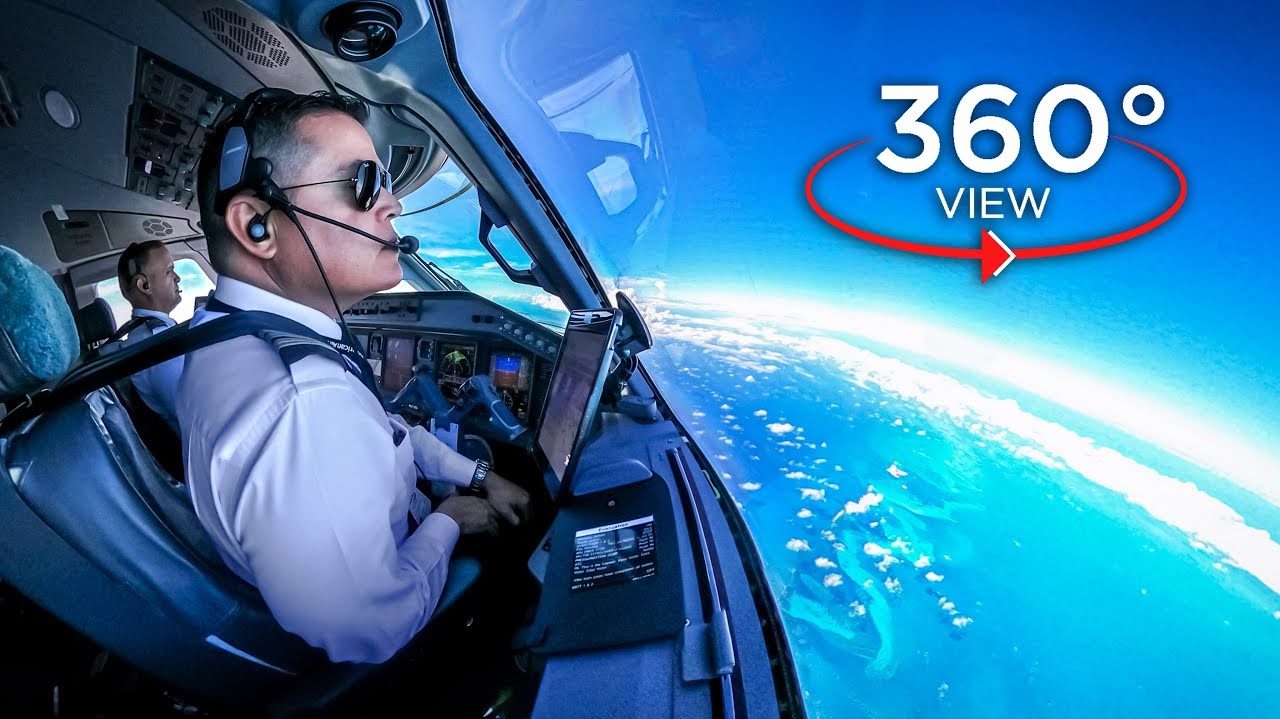
Ride in the cockpit of an Embraer-175 flying to the Bahamas.
Aerial 360° photography of Earth's most stunning corners.
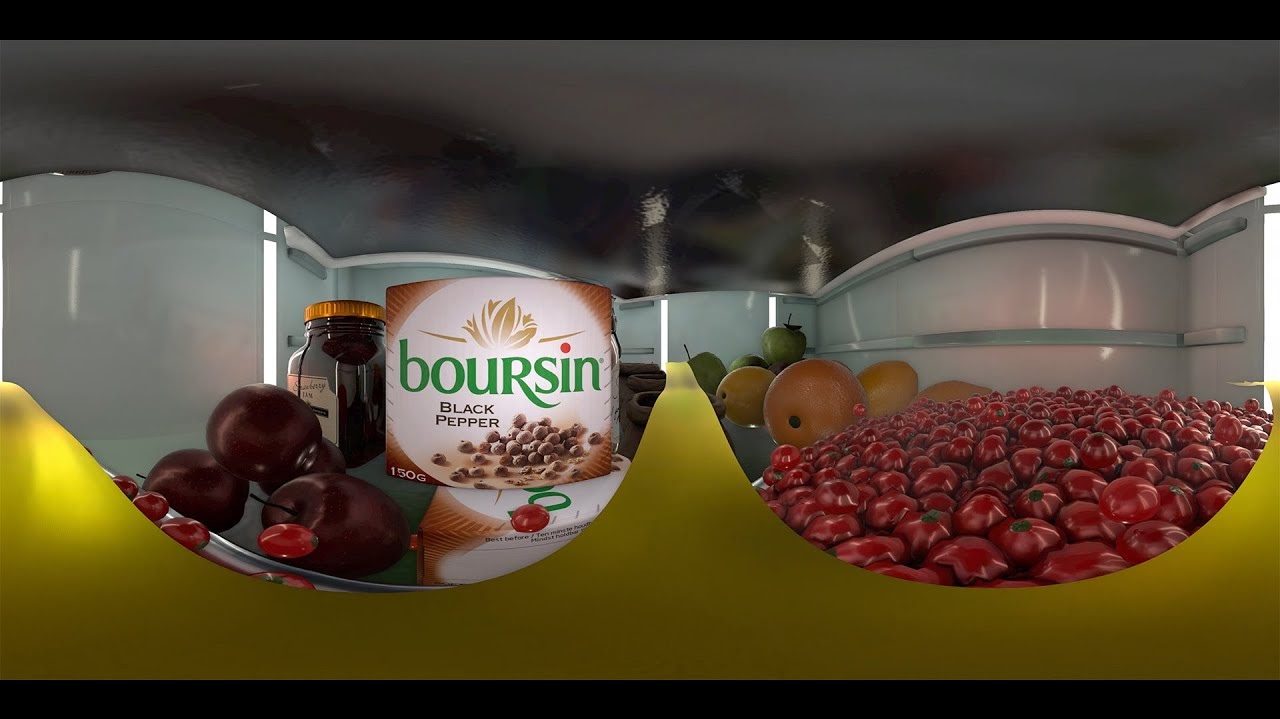
A magical ride through a food lover's fridge.
Breathtaking 360° rides filled with adventure and spontaneity.
Intense 360° horror videos.

A full 360° video service producing high-quality immersive media.

An interactive 360° world of cocoa treats.
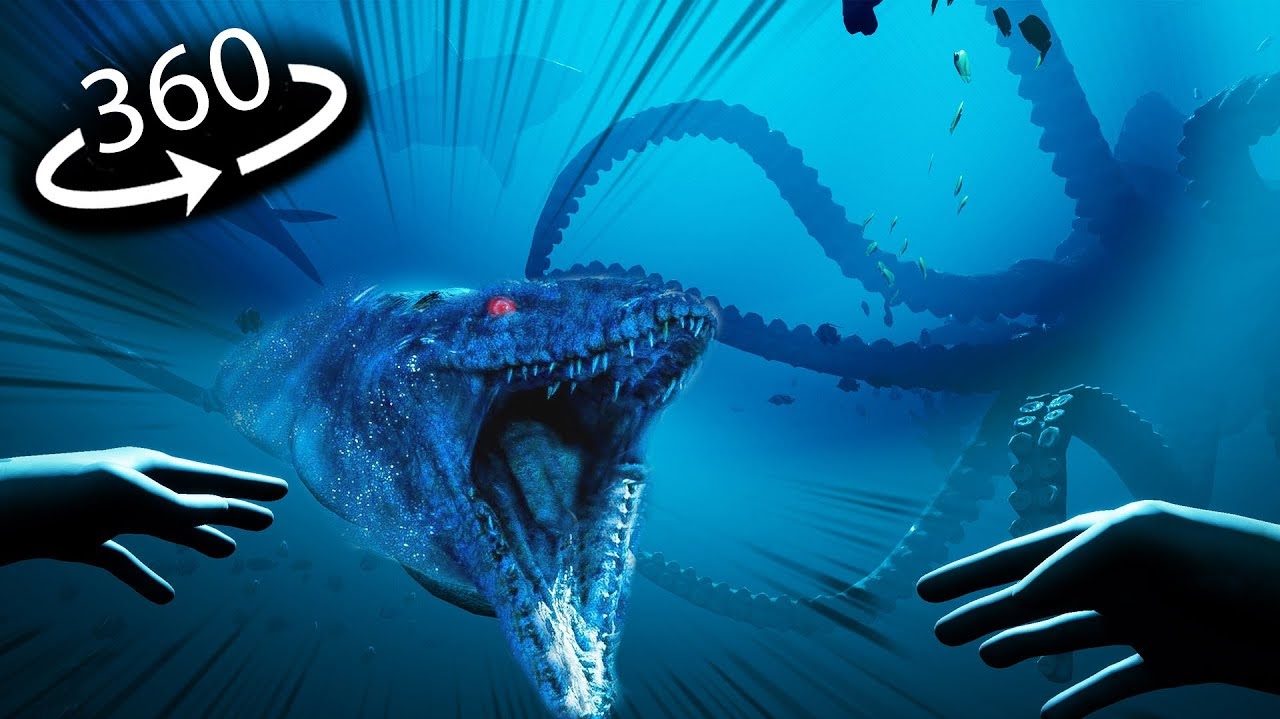
Deep-ocean creatures, past and present, in immersive 360°.
A solid collection of 360° videos.

Your favourite YouTube channels and creators in virtual reality.
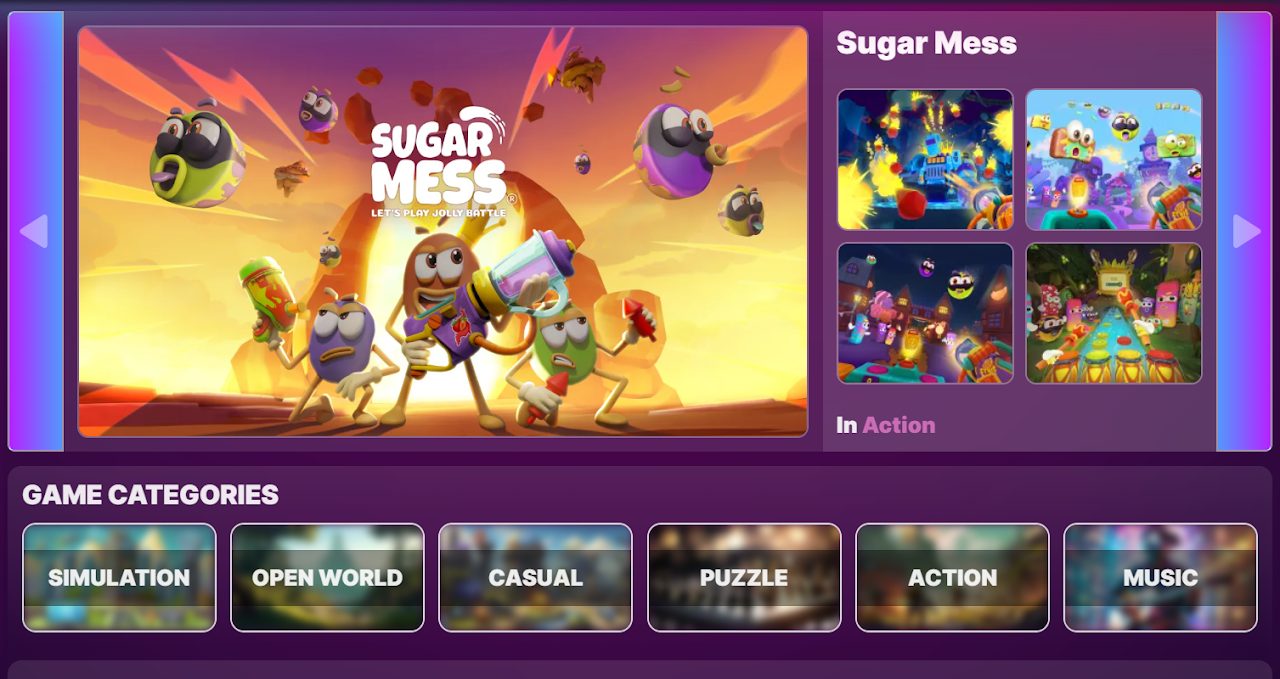 Portal
A growing library of WebXR games: discover, play and share directly in your browser.
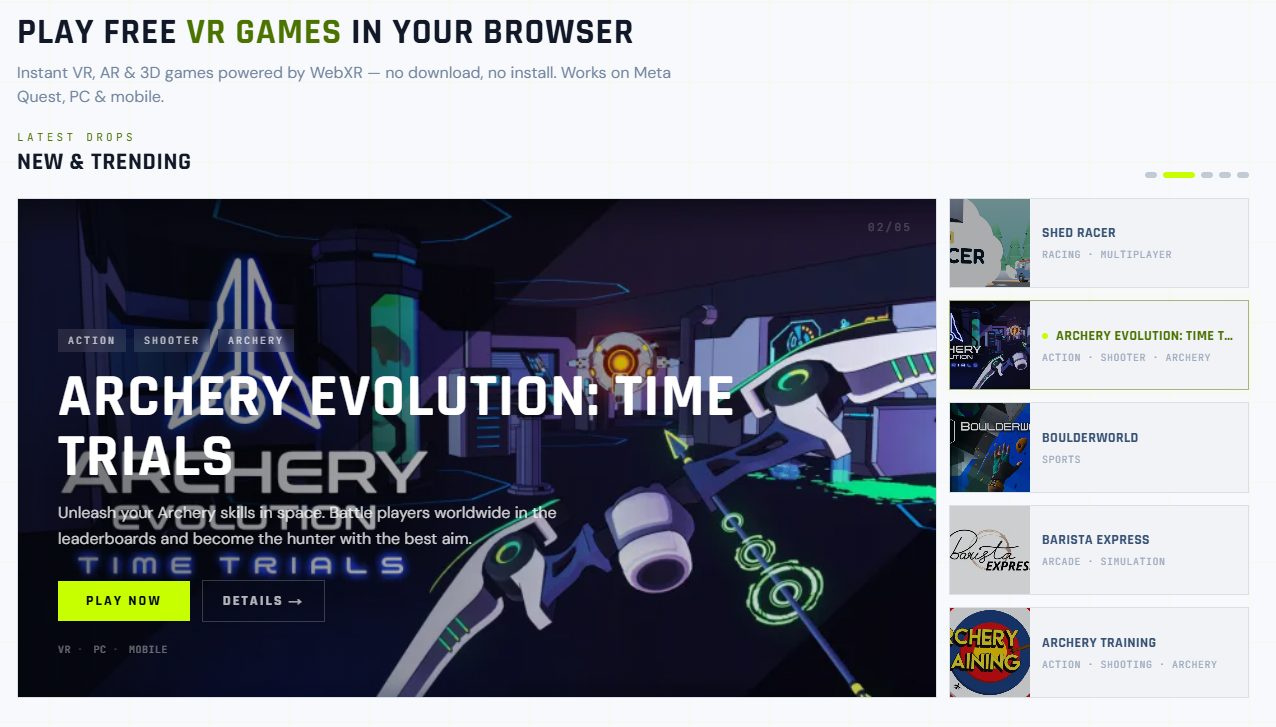 Portal
Discover, play and share browser-based WebXR games on VR, AR, mobile and desktop.
NEWWalk through a giant aquarium at true scale: a 30 m window onto the ocean, a tunnel through the deep and a 20 m reef column.
NEWTake a window seat on a panorama train and ride forever through a procedurally generated world: farmland, lakes, alpine valleys, deserts and snowfields — never the same twice.
NEWRelax in a hot tub at the edge of the world. Make ripples with your hands and turn on the jets; switch between mountain, aurora, tropical and desert views.
NEWBuild a desktop PC on a virtual workbench. Fit the CPU, memory, cards and cables yourself — 33 guided steps explain every part.
NEWExplore a 200 m yacht across 8 decks with 74 rooms — swim in the pools and play 19 games on board, from bowling and golf to chess and a private cinema.
NEWA five-minute roller coaster over a volcano island: a 160 m lift, a glass tunnel under the lagoon, a jungle waterfall and an erupting volcano.
NEWBlow apart a physics yard brick by brick — every block breaks under real rigid-body physics. Version 4.2 adds VR on Quest 2: teleport movement, wrist HUD, snap turn and haptics on every weapon.
NEWAn experimental, fully on-chain WebXR game: the whole world is inscribed on Bitcoin and plays in VR right from your browser. Explore the surreal landscape of the Greeblis universe.
NEWPut on a show with cute animated hand puppets in VR.
NEWShoot your way through 100 levels of this roguelite bullet hell. Start weak, get powerups, become OP.
NEWSki down an infinite procedural mountainside.
NEWConquer enemy planets in this easy-to-learn, hard-to-master strategy game.
NEWAn episodic sci-fi VR game series with a full story arc across seven episodes.
NEWEpisode 7 of the Blue Cyber sci-fi VR series: journey to the center of the Void.
NEWA WebXR puzzle game: match opposite blocks to build the tower. Made for Global Game Jam 2022.
NEWRide a dust devil in this playful VR experience.
NEWA technical rhythm game for WebXR: hit buttons and track hand positions to the beat.
NEW★ Top pickA VR escape room on a space station: solve puzzles and find your way off the ship. Winner of the 2025 Poly Award for Entertainment Experience.
NEWHurl clay boulders to defend your summit from climbing monsters.
NEWBesiege castles with medieval war machines.
NEWTend a serene ranch and its unicorn herd — with an absurd twist.
NEWFly a unicorn through a neon tunnel chasing rainbow rings.
NEWOutrun a storm on a galloping unicorn through a sunset canyon.
NEWA quiet, tactile VR art piece about presence and personal identity.
NEWDefuse a 3D bomb in VR while teammates talk you through it with the field manual.
NEWFly a low-poly plane powered by your own live heartbeat.
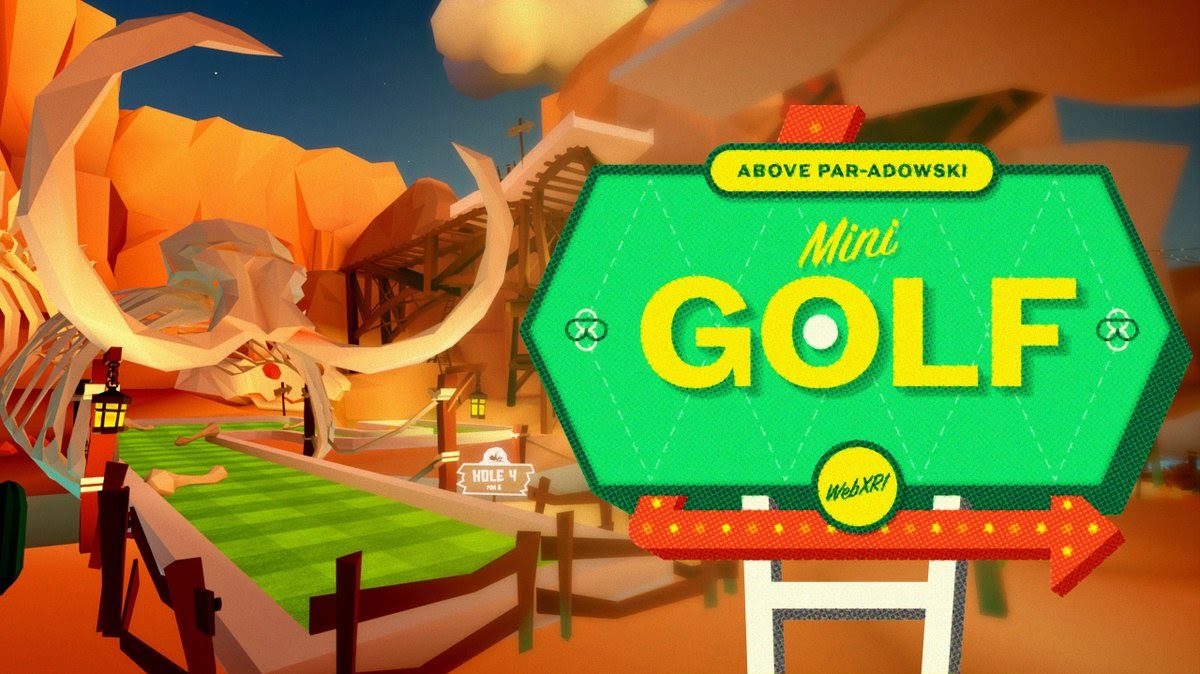 ★ Top pick
A polished, playful WebXR putt-putt game.
 ★ Top pick
An artist flees a storm across surreal 1914 manor grounds.
 ★ Top pick
An AI owl guide to the redwood forest, through an AR portal.
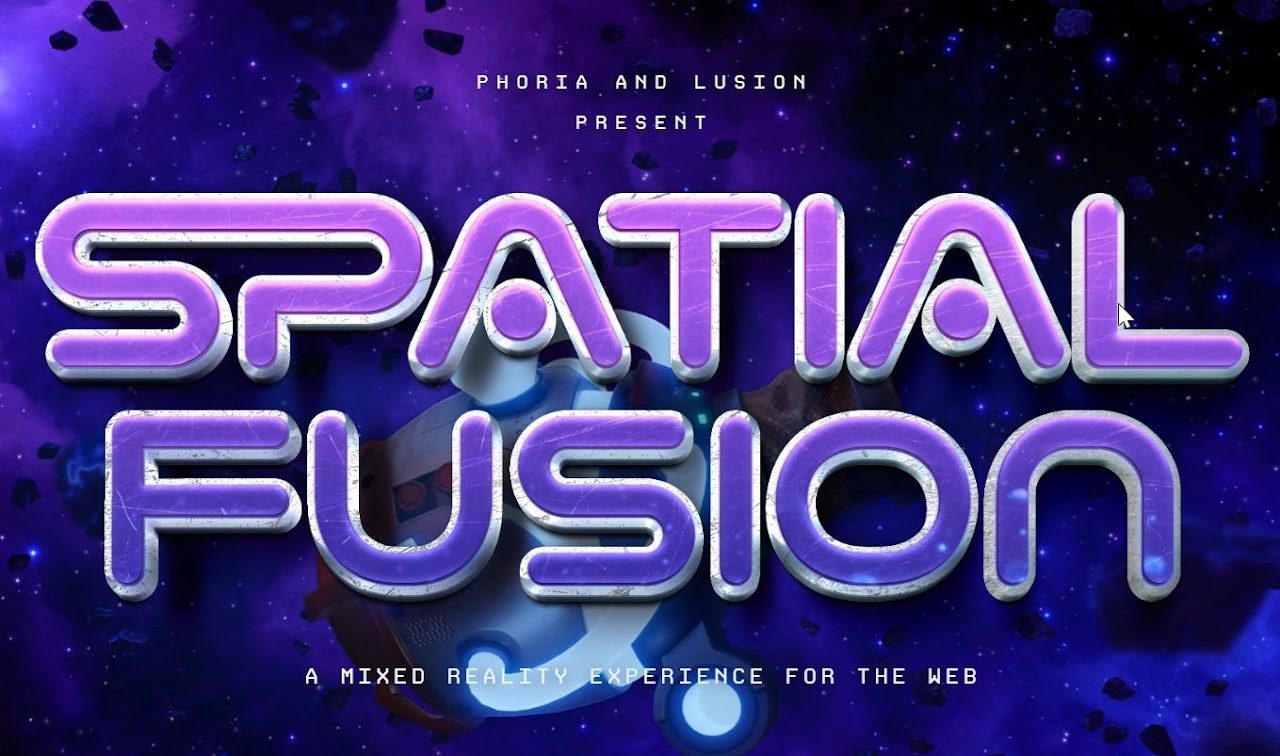 ★ Top pick
Seal a tear in the spatial fabric with fusion energy in mixed reality.
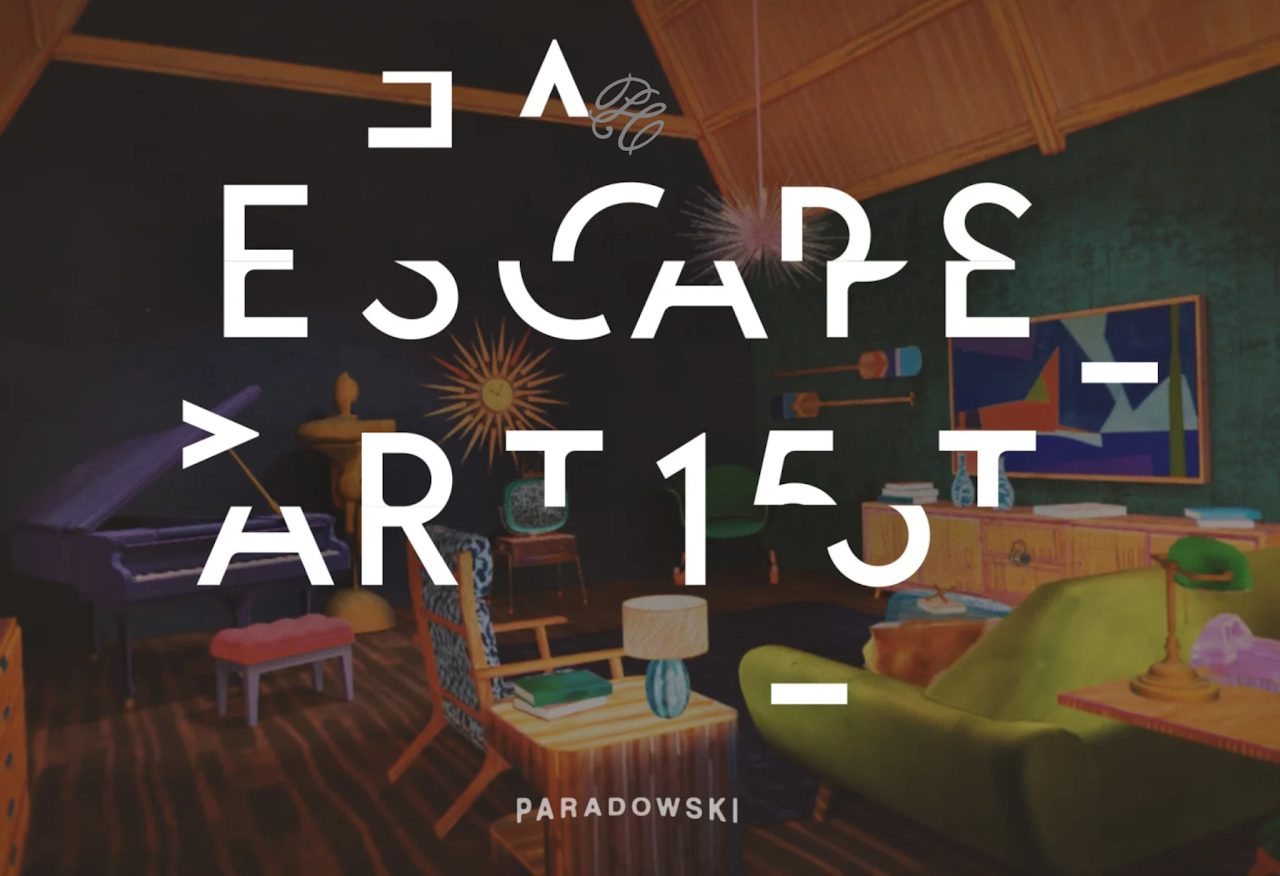 ★ Top pick
A surreal narrative puzzle about the creative process.
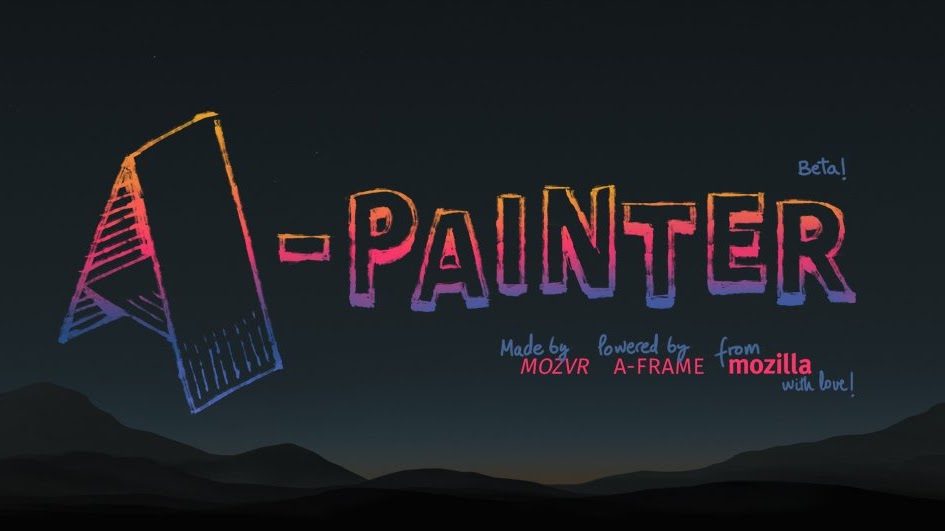
A 3D painting tool for creatives, right in the browser.
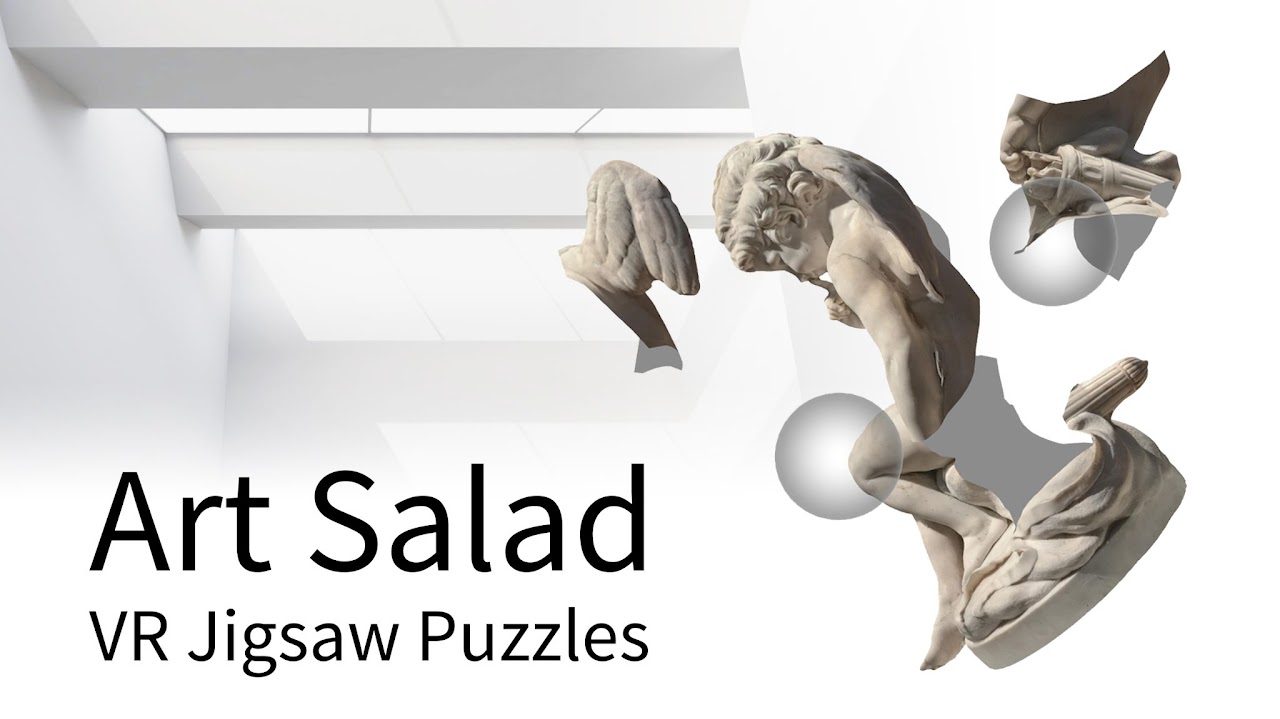
An art gallery laced with VR puzzles.
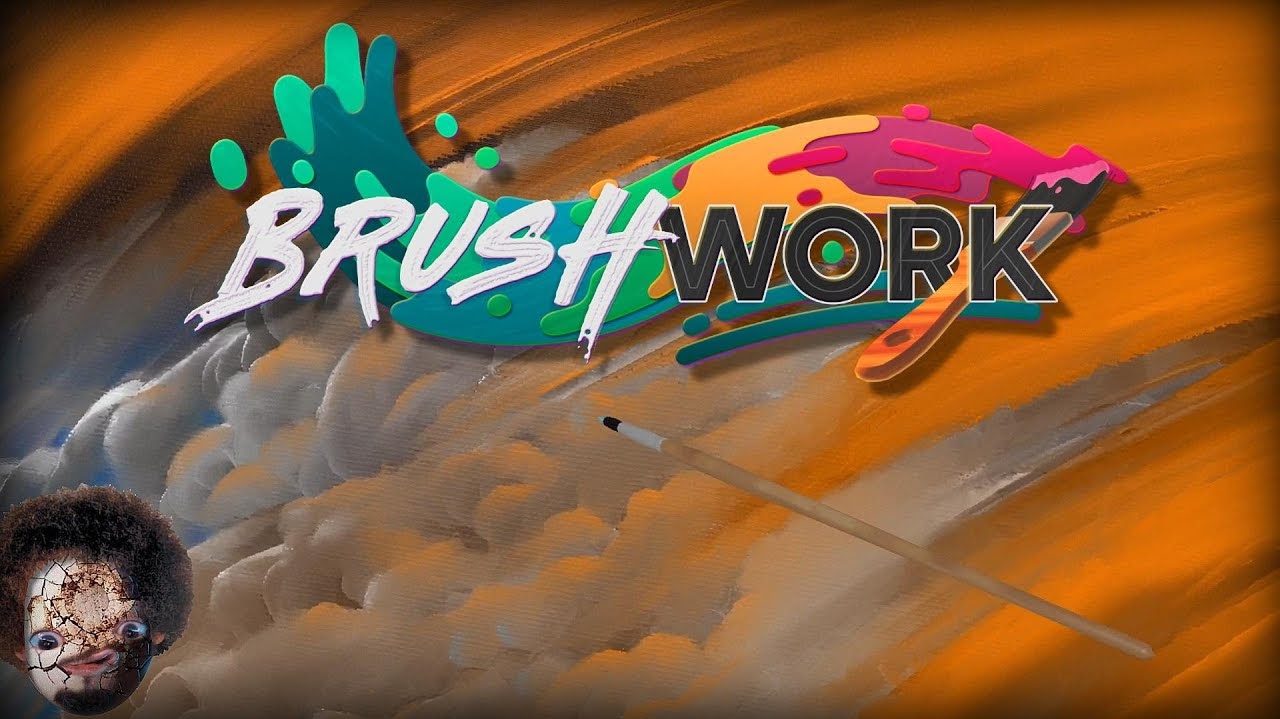
Paint realistic VR artworks to relax and unwind.
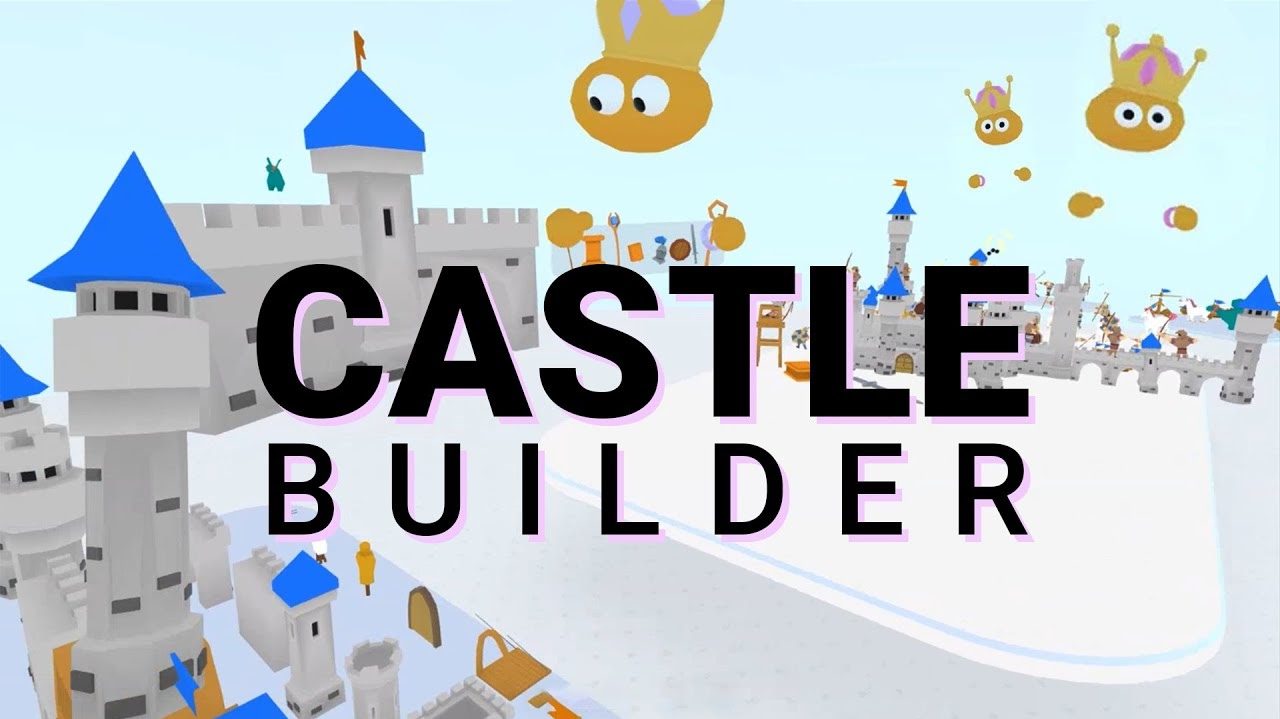
Build your own castle and invite friends; AR passthrough option.
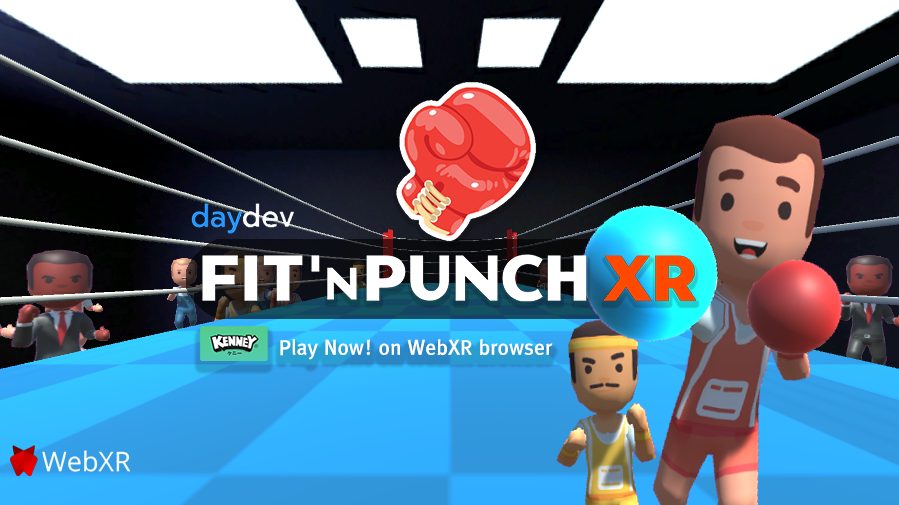
Room-scale VR boxing: jabs and uppercuts in the virtual ring.
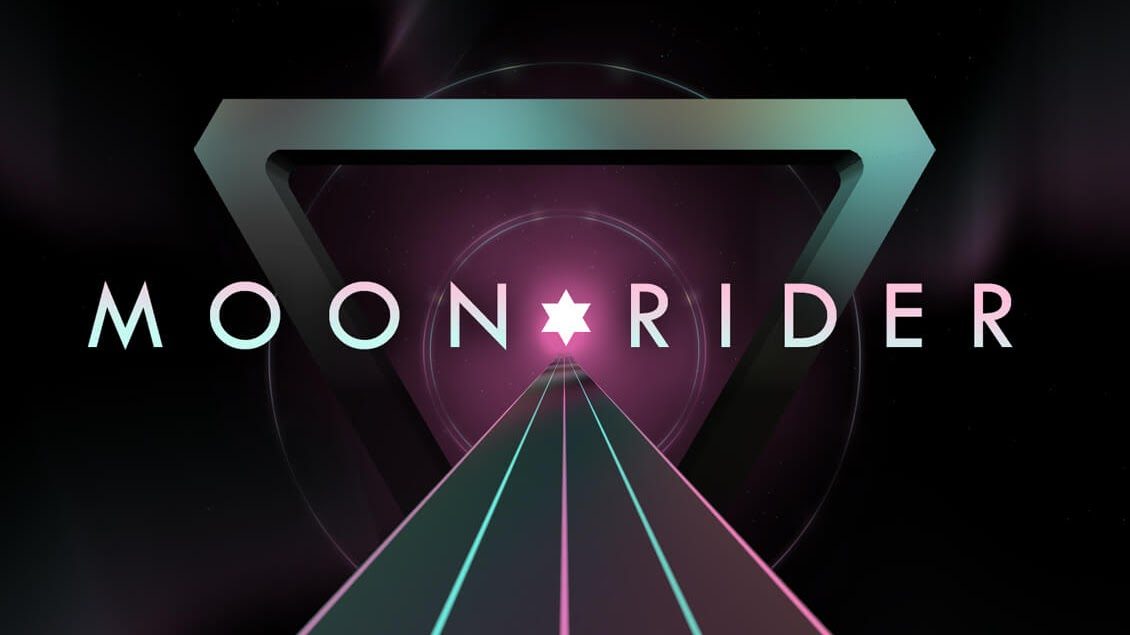
Surf a musical road among stars, moon and lights.

Meet life-size dinosaurs and extinct animals in an online park.

Mini-golf on a lost Caribbean island — play with friends.
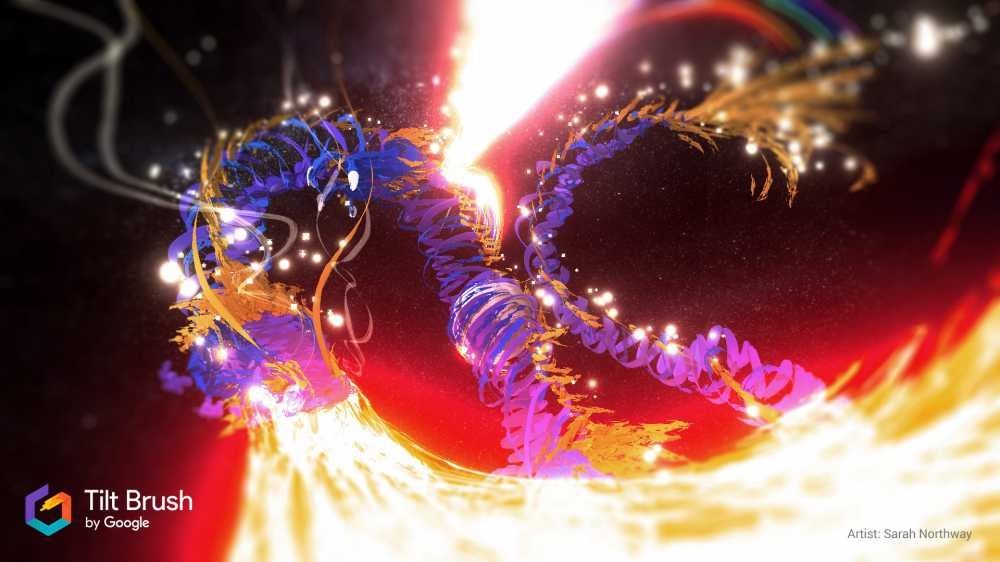
A Tilt Brush-style painting experience ported to WebXR.
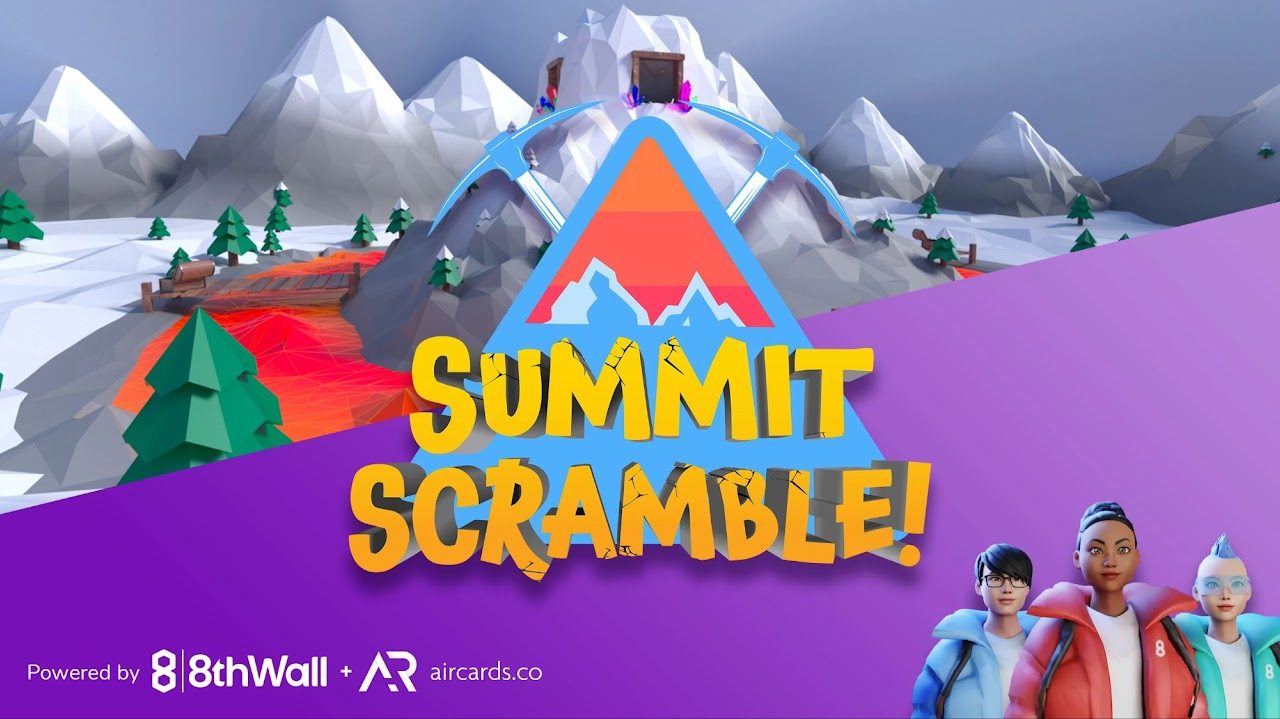
Sprint up and down a snowy 3D mountain collecting gold.
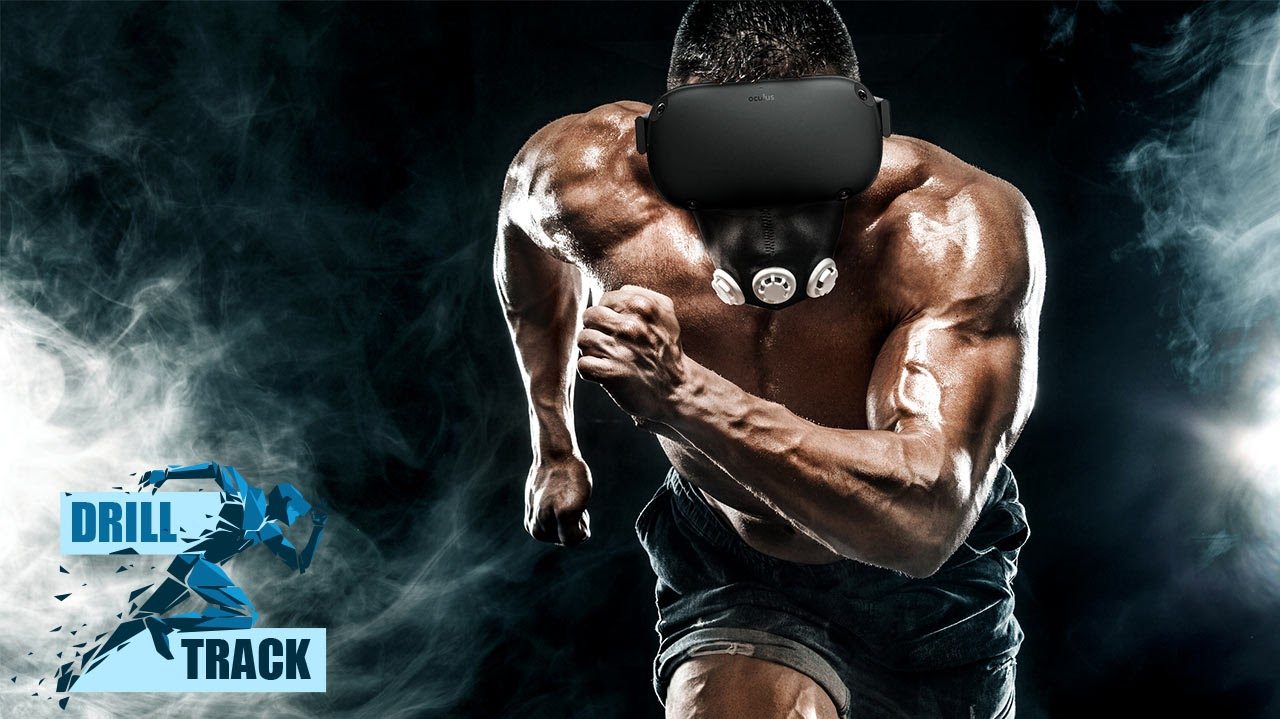
Workouts, group fitness and courses in VR at home.
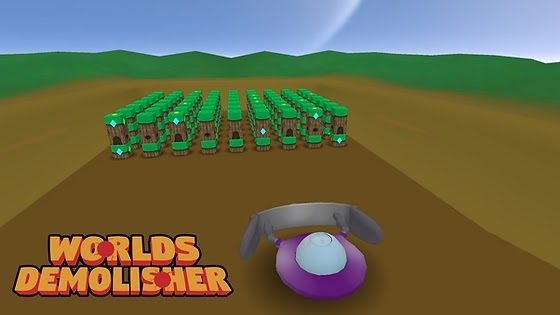
Destroy worlds, travel between them, conquer the universe.
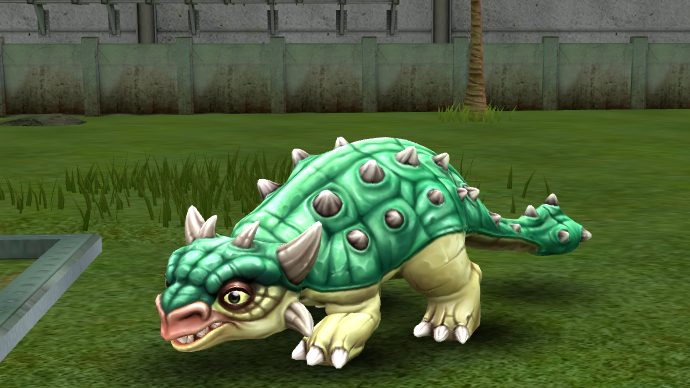
Survive the night on the rail tracks.
NEW★ Top pickExplore the Temple of Dendur in 3D — roam the temple, watch an interactive film, and rebuild the monument block by block.
NEWA free, minimal WebXR art gallery — one room, one painting.
NEWInteractive music videos rendered as a neon 3D world you can walk through.
NEWStep into a detailed Airbus A320 cockpit: instruments, panels and navigation controls in 3D.
NEW★ Top pickAn immersive data story on global electricity access and UN Sustainable Development Goal 7.
NEWA virtual museum of Hispanic-Latin American heritage in Canada, including ceremonial costumes.
NEW★ Top pickA breathing-therapy experience in a stylized VR forest.
NEWAn interactive 'Draw to Reveal' experience. MIT Reality Hack grand-prize winner.
NEW★ Top pickAn immersive journey through the Matanza-Riachuelo sanitation project in Argentina. Available in English and Spanish.
NEWAn immersive platform for chemistry and structural biology: manipulate molecules together in real time.
NEWTravel 40,000 years into Southern California's past in a 3D museum with a time pod and narration.
NEWAn immersive VR experience about Miami's Overtown murals and the stories behind them.
NEWAn animated night sky with shooting stars and constellation cards.
NEWA WebXR drawing and texturing tool: paint in 3D space.
NEWPlay volumetric 3D video in the browser: real humans captured as holograms.
NEWExplore a wind turbine in immersive 3D and learn how wind power works. In German.
NEWA tranquil low-poly 3D koi pond with swimming koi, lily pads and lotus flowers.
NEWPlace a virtual DOC Radio in your real room and listen while you play.
 ★ Top pick
Walk through unique places captured by people around the world.
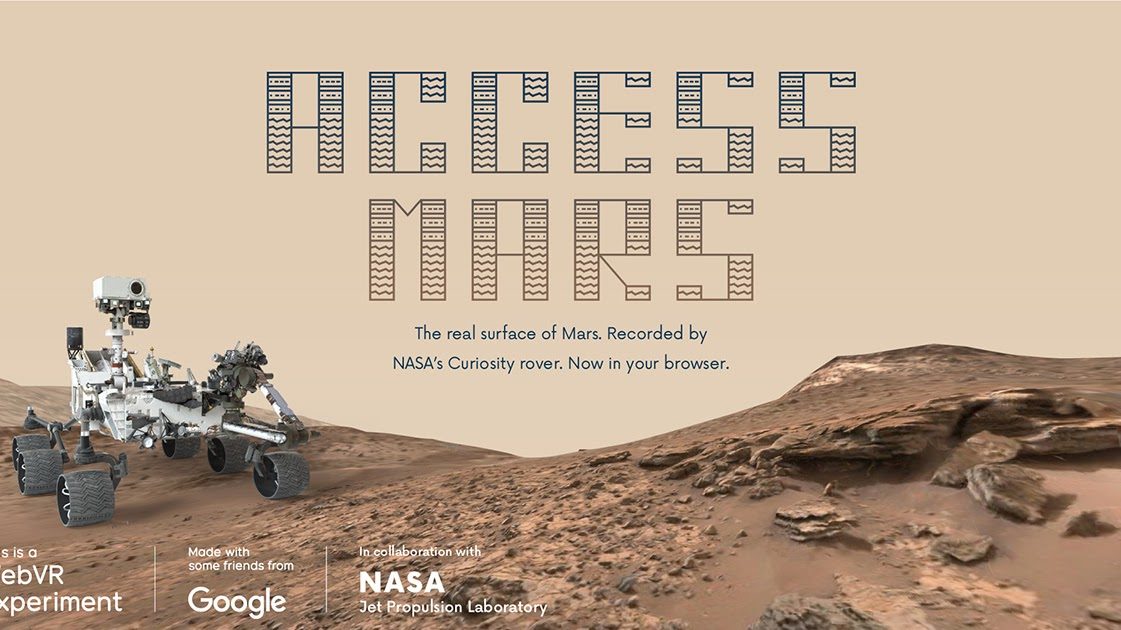
NASA and Google bring the real surface of Mars to your browser.
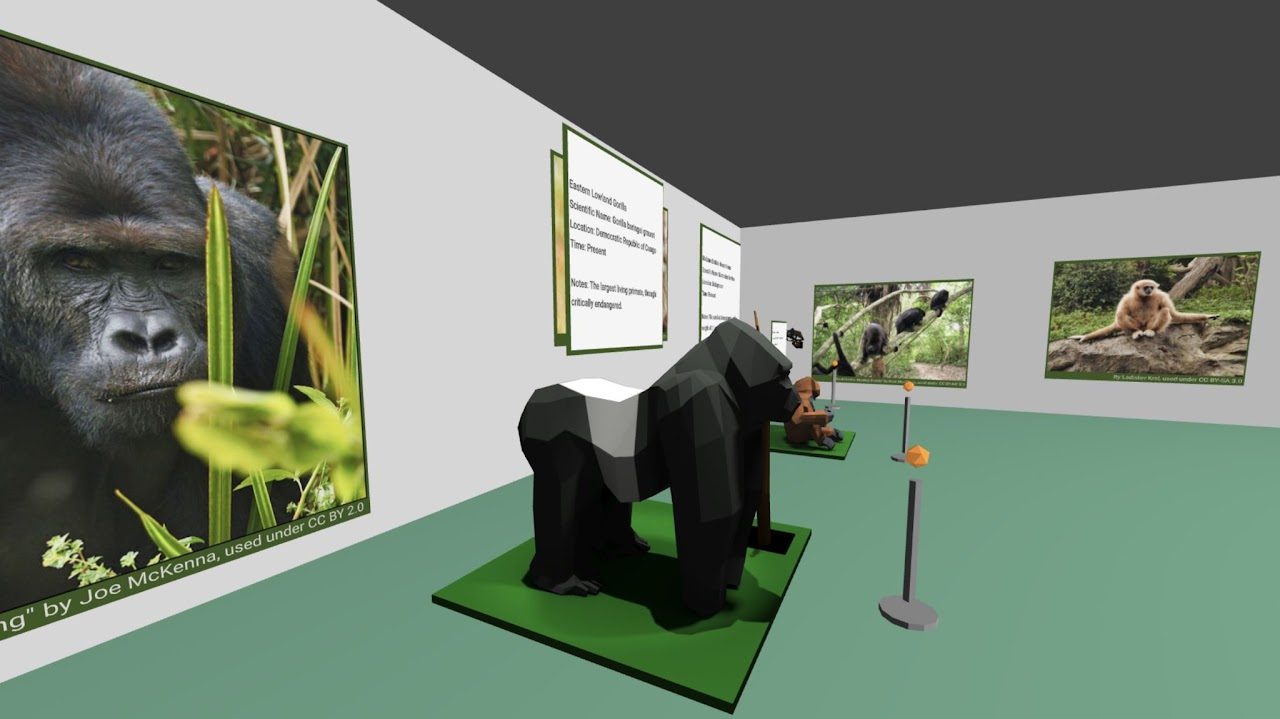
A virtual museum of biological anthropology.
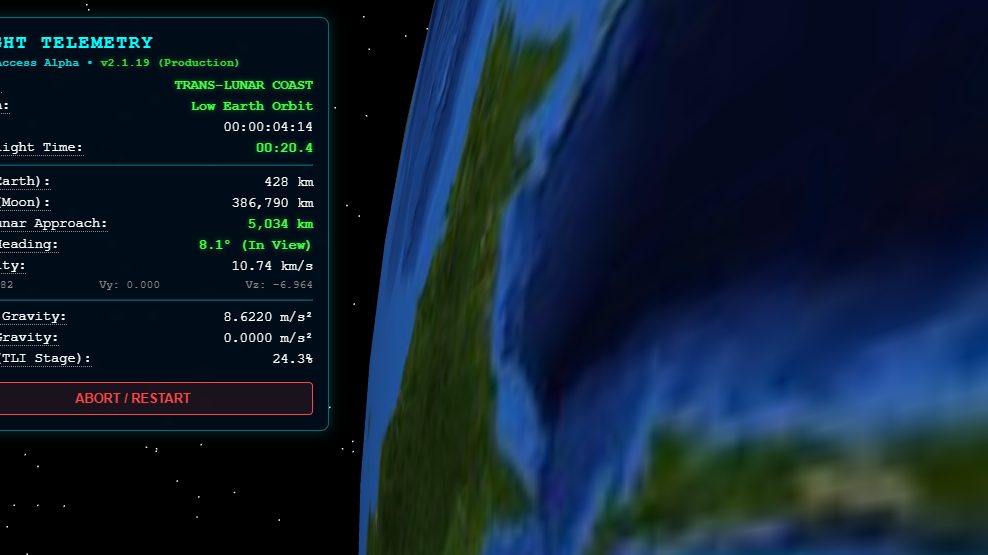
A real-physics trip around the Moon, from Earth orbit to splashdown.
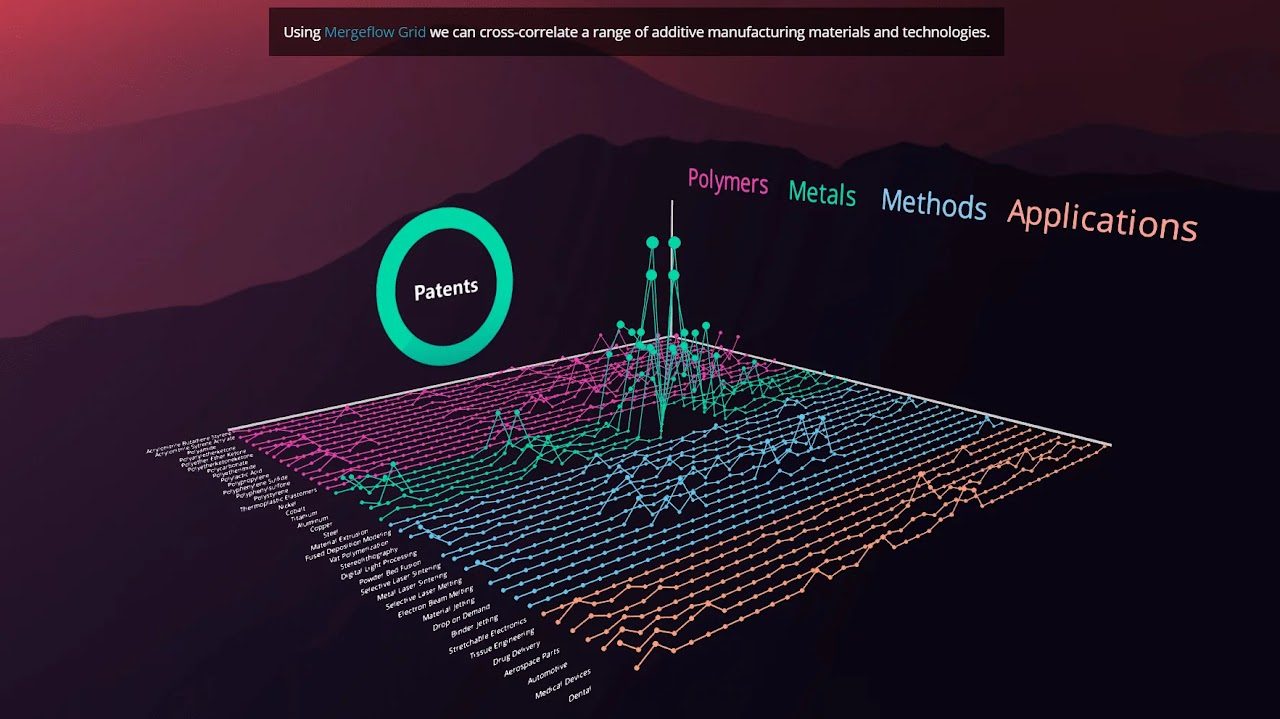
Floating data presentations for conversational exploring.
An interactive WebXR piece by Codercat.
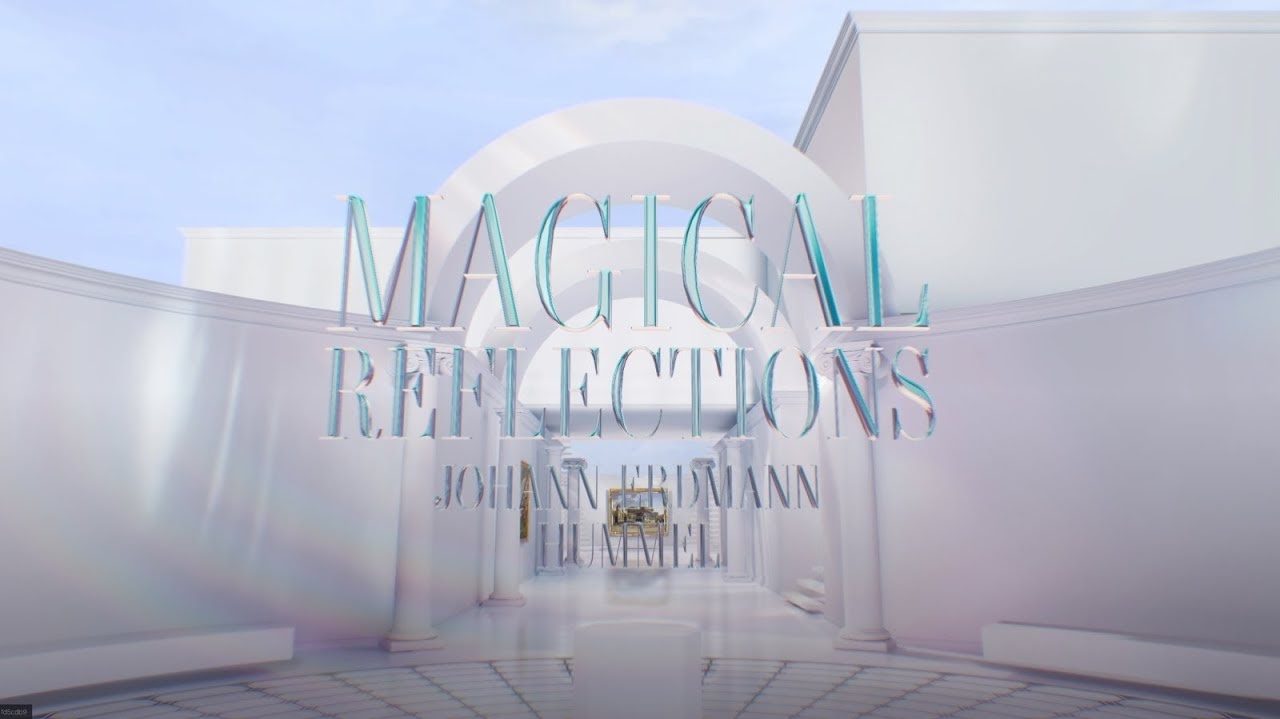
A virtual gallery — discover the world inside a painting.
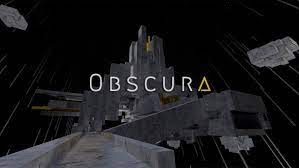
A surreal solo artwork twisting gravity, time and scale.

A Paralympics immersive web experience.
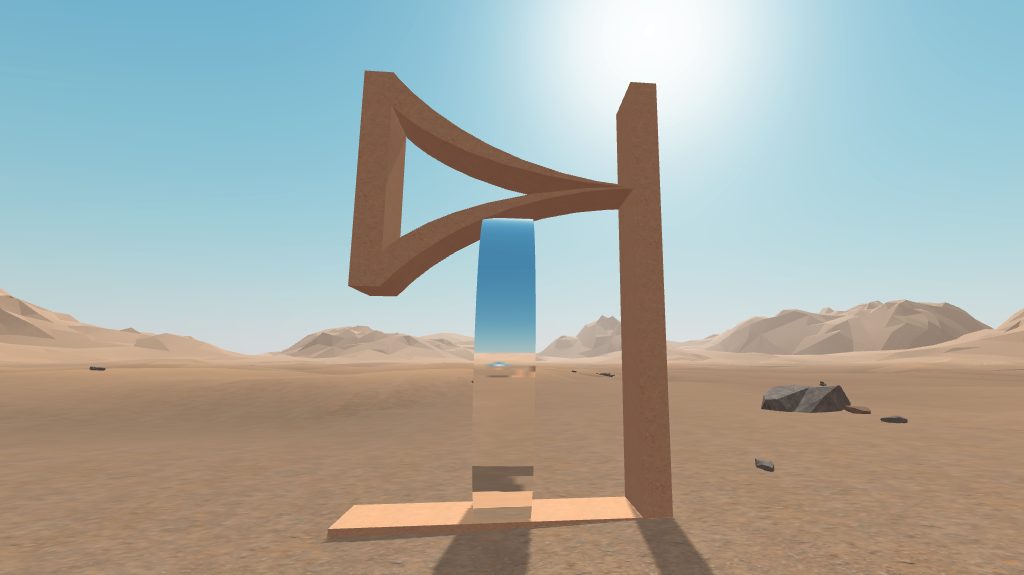
An interactive piece on the Japanese concept of Ma.
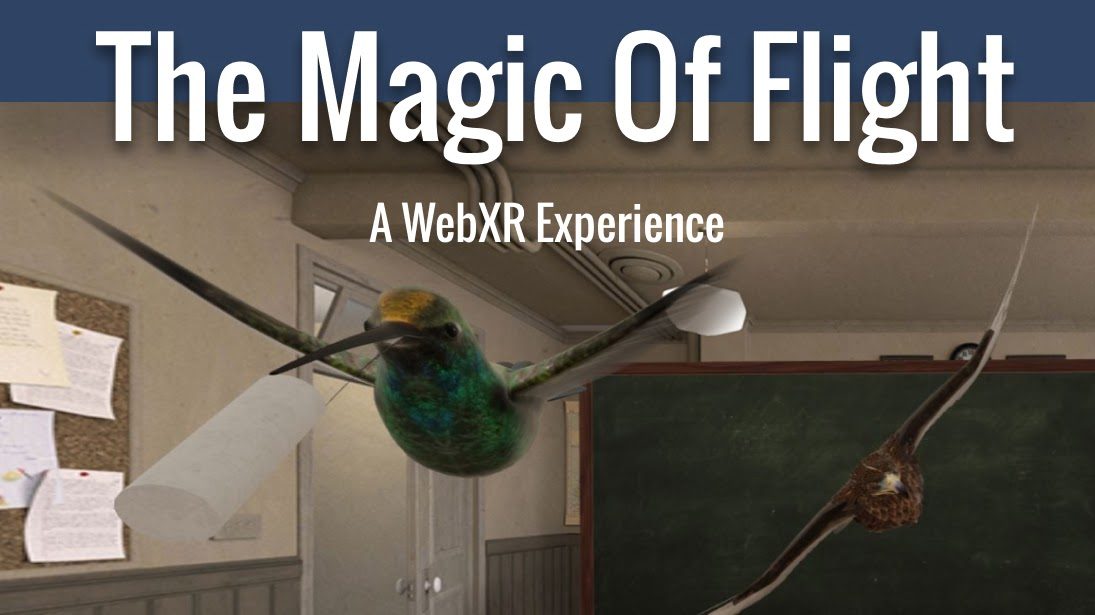
An immersive glimpse at the near future of interaction.
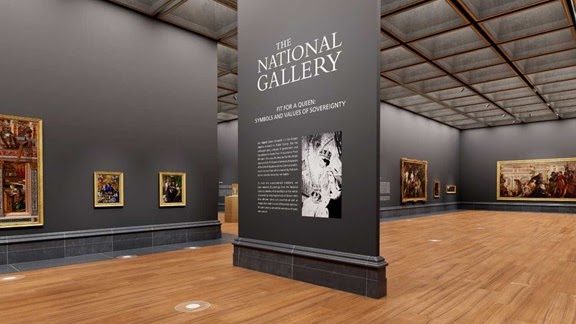
Tour the UK National Gallery from anywhere in the world.

A WebXR story based on Cixin Liu's Three-Body Problem.
NEWA social Frame world with a dancefloor — walk or fly around and voice-chat with other visitors.
NEWExplore and build virtual worlds together, instantly on the web — dozens of live worlds to visit.
NEW★ Top pickThe Virtual Worlds Museum's WebXR exhibit: walk through the history of virtual worlds, from early MUDs to today's metaverse platforms. AUREA Impact Award 2025 winner.
 ★ Top pick
Your personal metaverse departure lounge — invite friends anywhere.
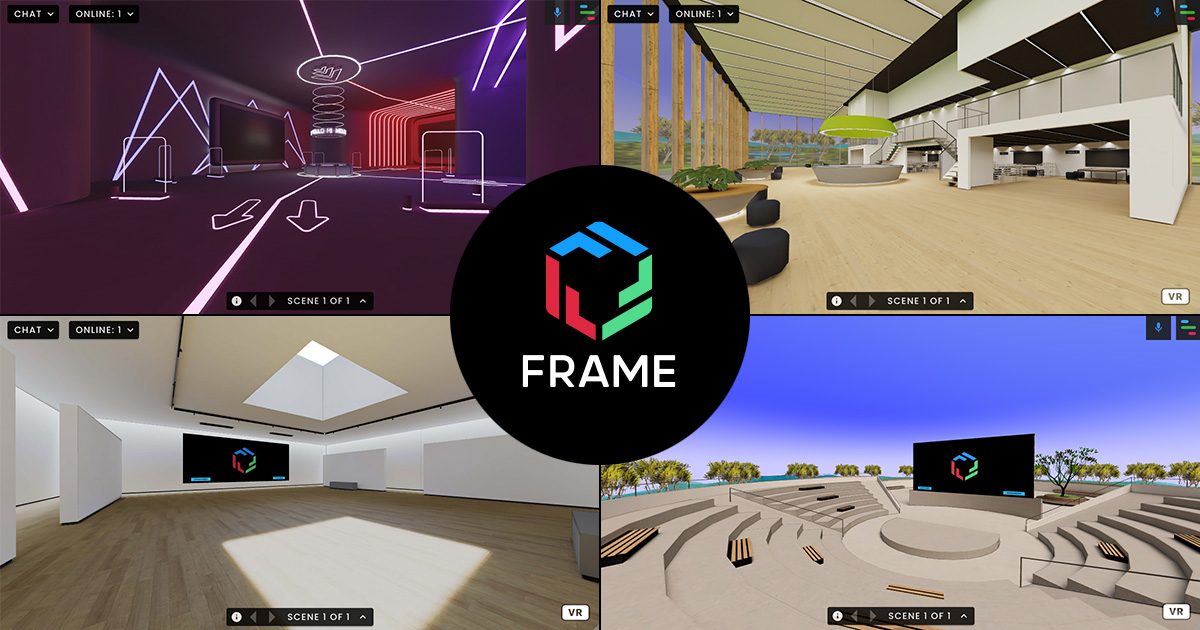 ★ Top pick
Communicate, collaborate and create in 3D, right in the browser.
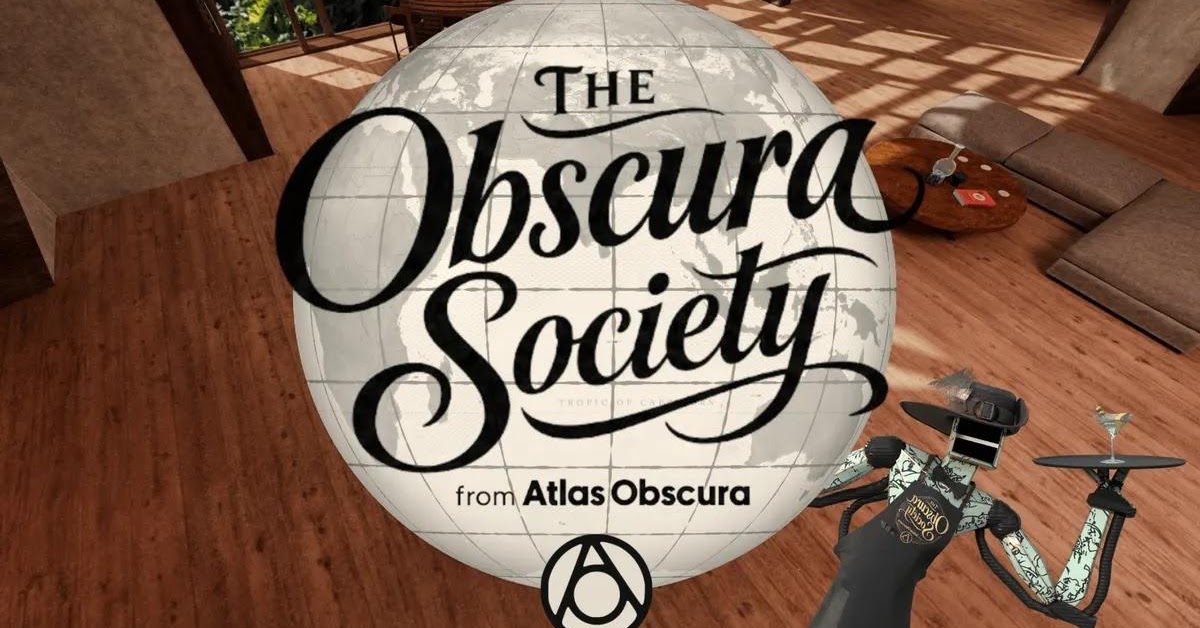
Atlas Obscura's always-on virtual lounge with an AI bartender.
HTC's open 3D place in the browser — no headset required.
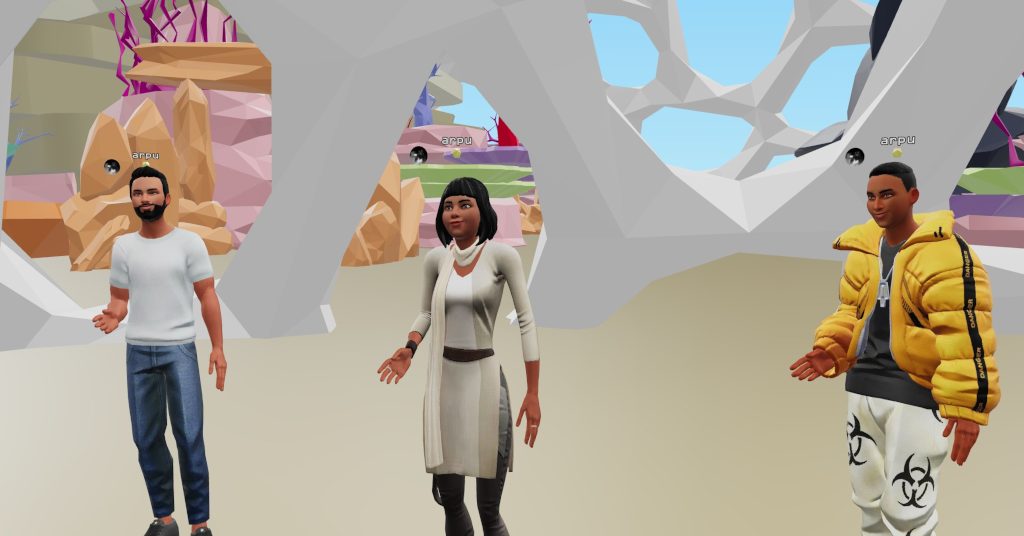
A private virtual room with friends: videos, 3D objects, hangouts.
Wolvic is the open source WebXR browser that opens a portal to the Web and all it has to offer, including immersive games, videos, and environments built for XR.
The Wolvic WebXR browser is available for download on the Meta Horizon Store, Pico Enterprise and Consumer Stores, Huawei AppGallery, and as a direct download. Read all about it on wolvic.com.